


Launch, train, and grow with these helpful resources.
A framework for success
A successful rollout starts with leadership buy-in, sharing relevant examples of how the tools help daily work, and monitoring adoption to provide support where teams need it most.

Friction is normal—here's how to handle it
Progress stalls when awareness is low, relevance is unclear, and leadership visibility drops. Create momentum by sharing practical strategies with relatable use cases or get creative with gamification.
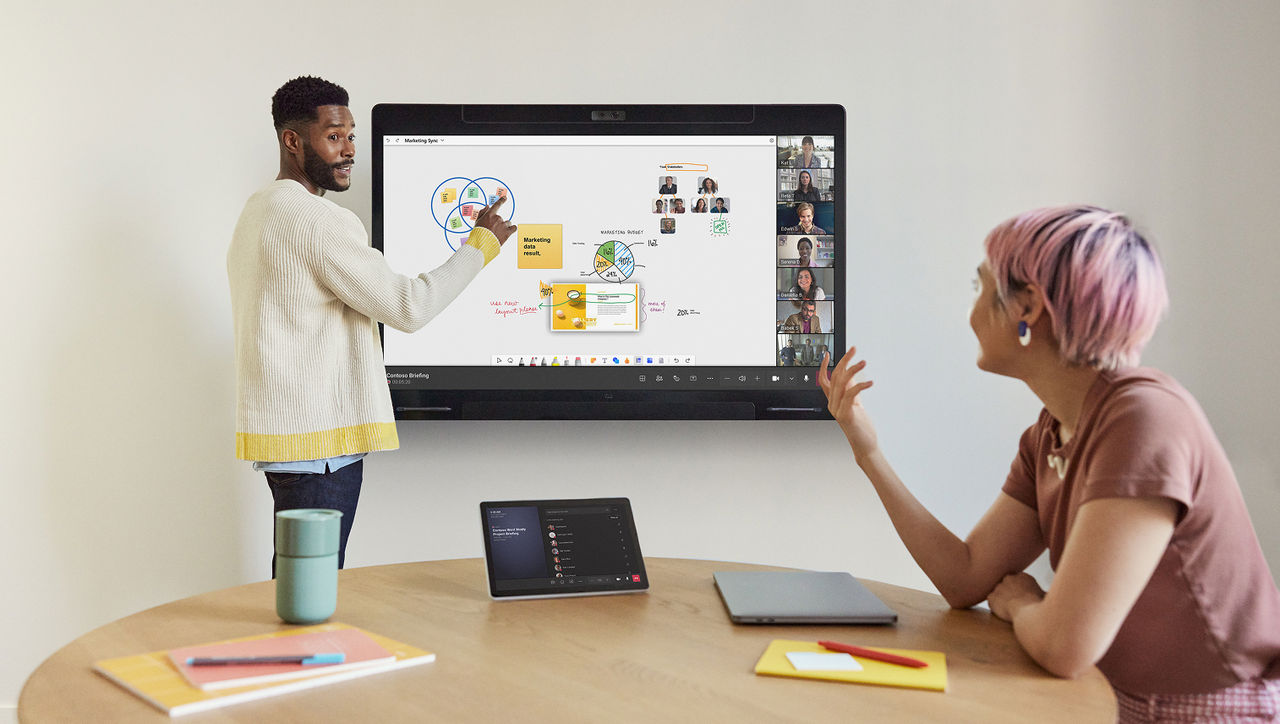
Track progress and create your success story
As your rollout progresses, check in on how you're tracking toward your goals. Use built-in tools to monitor usage and business outcomes, and capture success stories along the way.



Make onboarding easy
Share quick start guides, videos, and more to help users get started and stay engaged.

Boost awareness
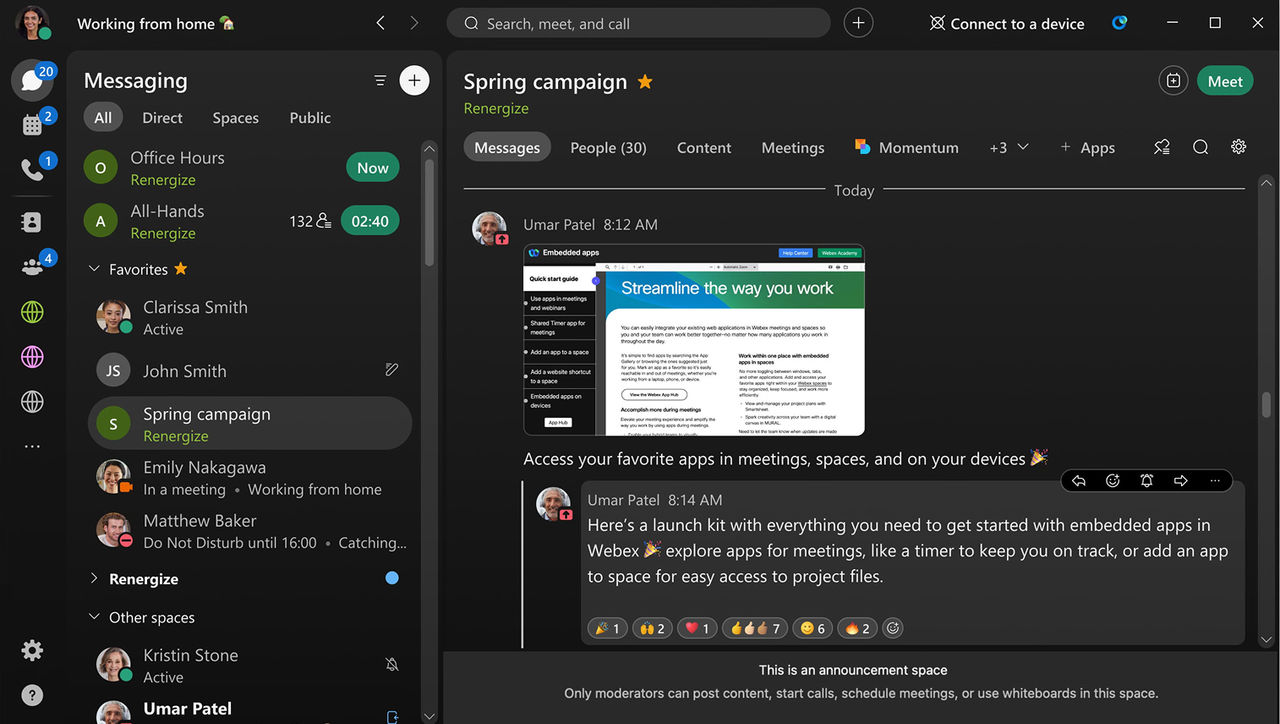
Create a moderator-only space in the Webex App to share announcements, best practices, and new features—making resources easily accessible where users are already working.
Accelerate adoption
Customize quick start guide templates with your organization’s branding and goals for a more relevant user experience.

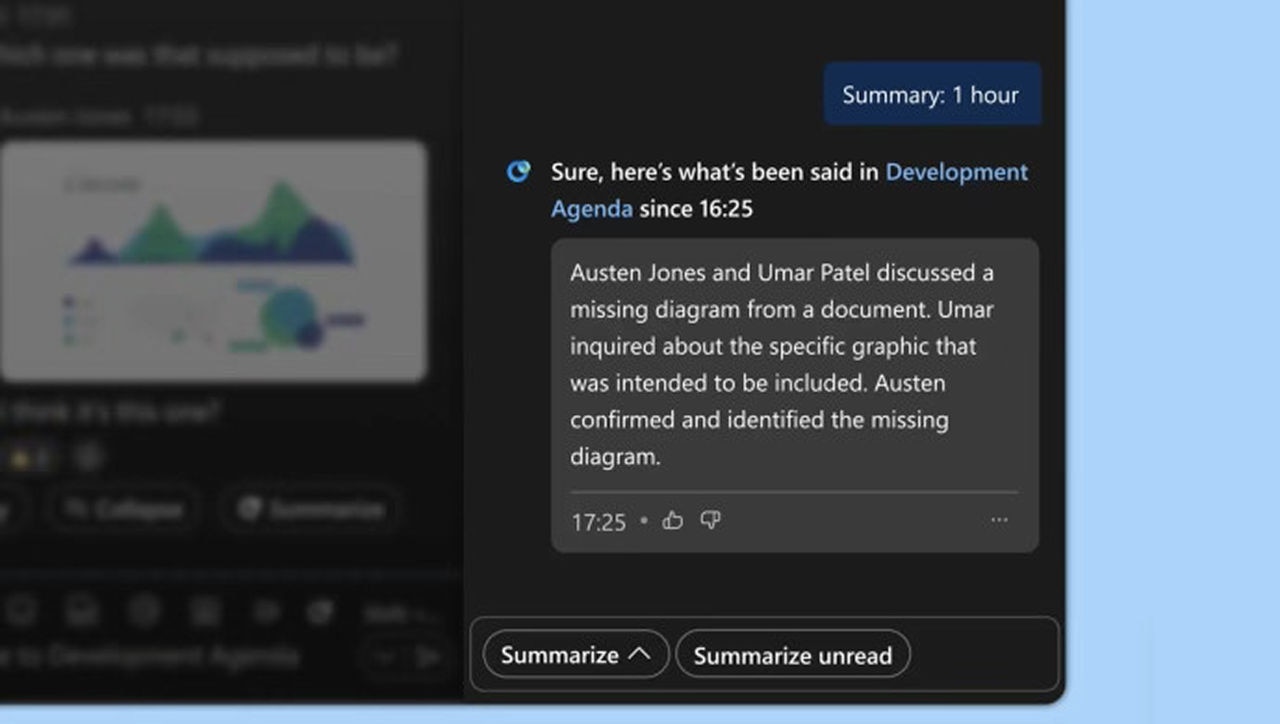
Save time with AI
Help users work smarter with AI Assistant for Cisco devices, Webex Contact Center, Calling, Meetings, and Messaging.

Everything users need to get started with calling, messaging, and meetings.

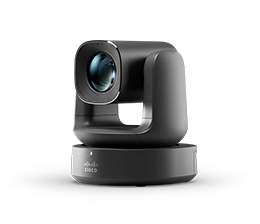
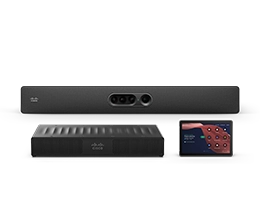
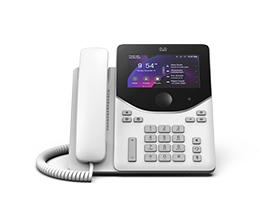
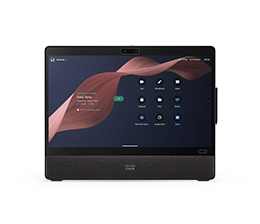
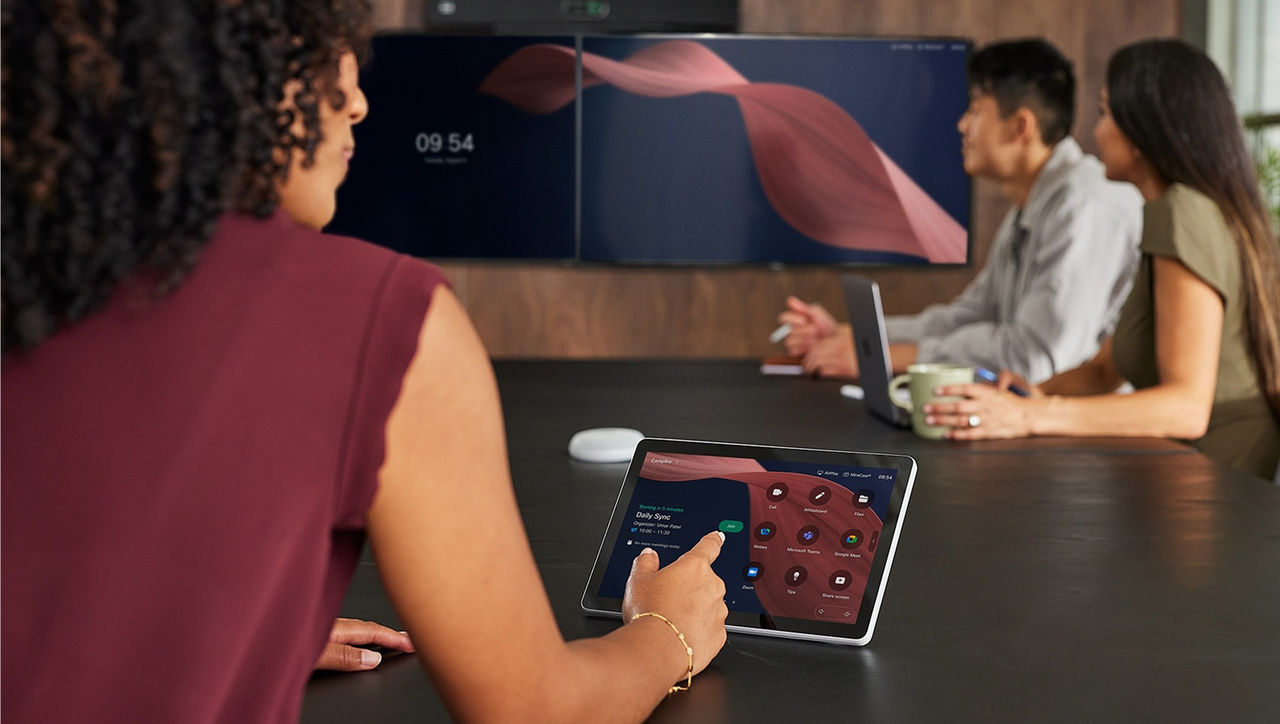
Help users get familiar with devices at their desks and in meeting rooms.

Onboard agents, supervisors, and admins with tools to deliver great customer experiences.

Get users up and running with calling features they can access from anywhere.

Help users host, join, and engage in more productive meetings.

Enable teams to stay connected with spaces, direct messages, and real-time collaboration.

Show users how to record and share demos and updates that can viewed any time.

Engage your audience and capture feedback in real time.

Equip hosts to deliver polished, interactive experiences for large audiences.

Stay ahead with new features
Discover the latest features across Cisco devices, Webex Contact Center, Calling, Meetings, and more.
Design workspaces that work
Input your exact room dimensions and Cisco Workspace Designer will show you how to optimize your furniture, acoustics, and devices.
Ask AI Assistant in Control Hub
Admins can work smarter by getting instant answers to setup and configuration questions, right in Control Hub.

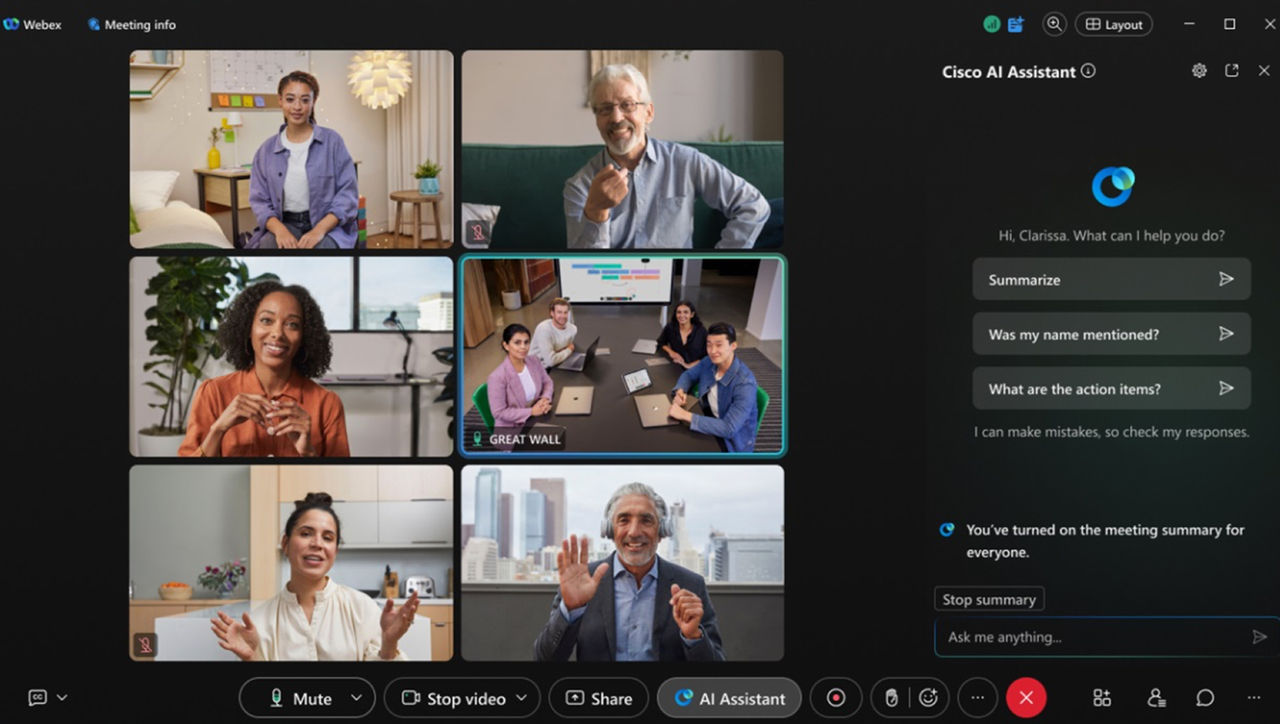
Empower users with AI Assistant
Help users do their best work with AI Assistant for Cisco devices, Webex Contact Center, Calling, Meetings, and Messaging.

Customize and share adoption resources to educate users and ensure a successful rollout.

Enable users to troubleshoot and resolve common issues on their own.

Chat with AI Assistant, find answers, check for outages, and see all support options.
Do more with your data
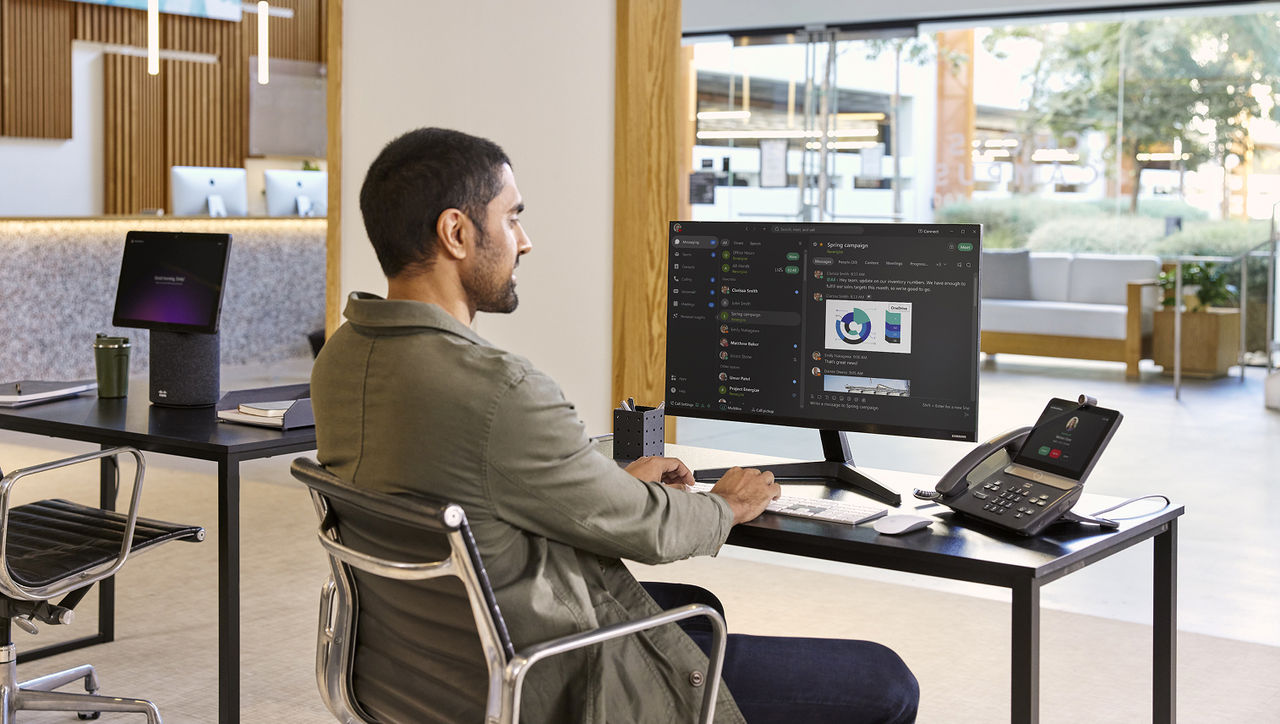
Track usage and trends, identify areas for improvement, and measure ROI with reports you can schedule, download, and share.
Close user adoption gaps
Once you've identified teams or users who need extra help, share quick start videos, learning plans, and guides to get them back on track.

Measure success
Connect usage and adoption metrics to productivity gains, engagement, and cost savings. Share insights with stakeholders to showcase the value of Webex.

Track usage trends, uncover issues, and measure KPIs across calling, meetings, messaging, and more.
Monitor customer interactions and agent performance using Control Hub and Analyzer to improve customer experience.
Make data-driven decisions from workspace and device insights to improve usage and performance.


