
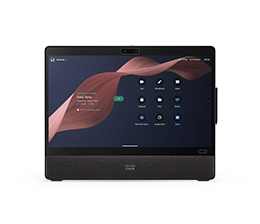


Team messaging that
keeps work flowing
between meetings.

Webex Messaging is the secure, AI-powered business chat platform that helps teams stay aligned and keep work moving before, during, and after meetings.

Give every project space to thrive.

Bring conversations, files, meeting summaries, and your go-to apps together, so work seamlessly flows from start to finish.

Keep momentum moving with AI.

Automate complex tasks and carry context across all forms of collaboration with AI-powered search, summaries, and action items.

Let everyone work together, securely.

Bring internal teams, external partners, and customers into shared spaces to keep collaboration connected and data secure.

Features
The intelligent platform for collaboration, content sharing, and co-creation.

Create spaces for work and connection.

Bring employees together in persistent spaces to communicate, collaborate, and connect across projects, teams, and communities, with secure access for partners, vendors, and customers.
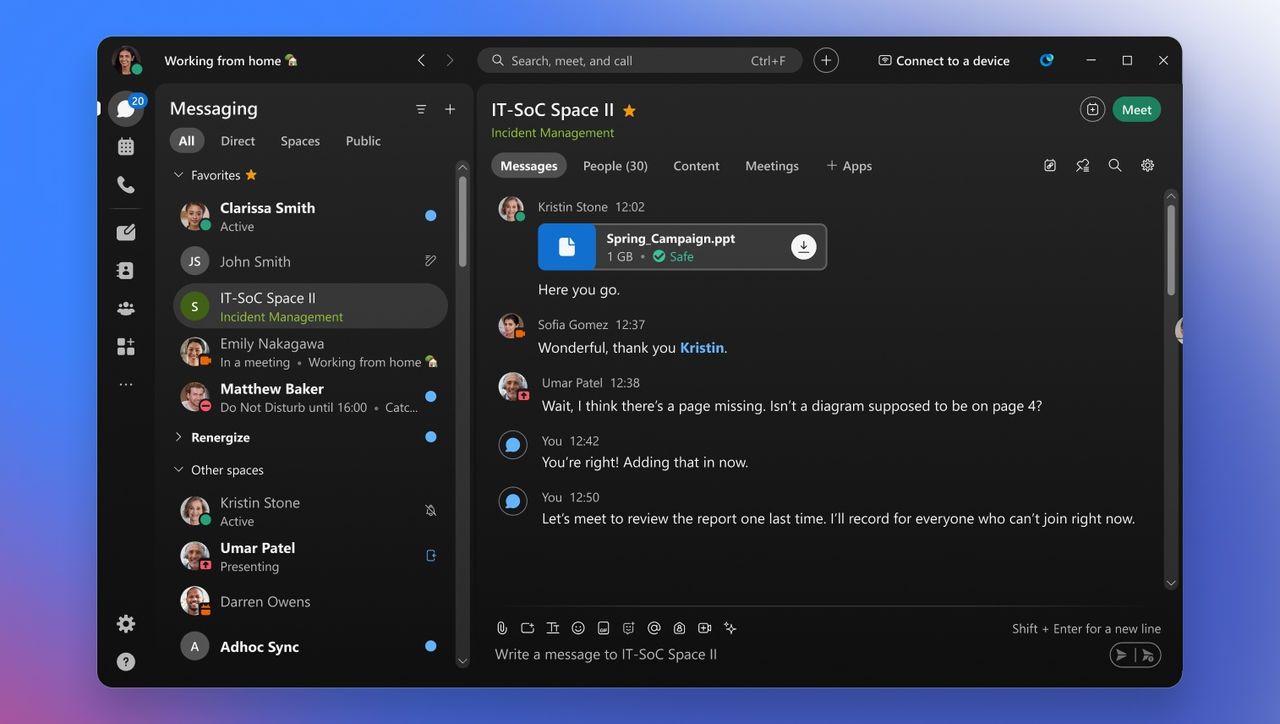
Keep files connected to the conversation.

Securely share files, co-edit documents, and keep content in context so teams can find what they need and collaborate without losing momentum.
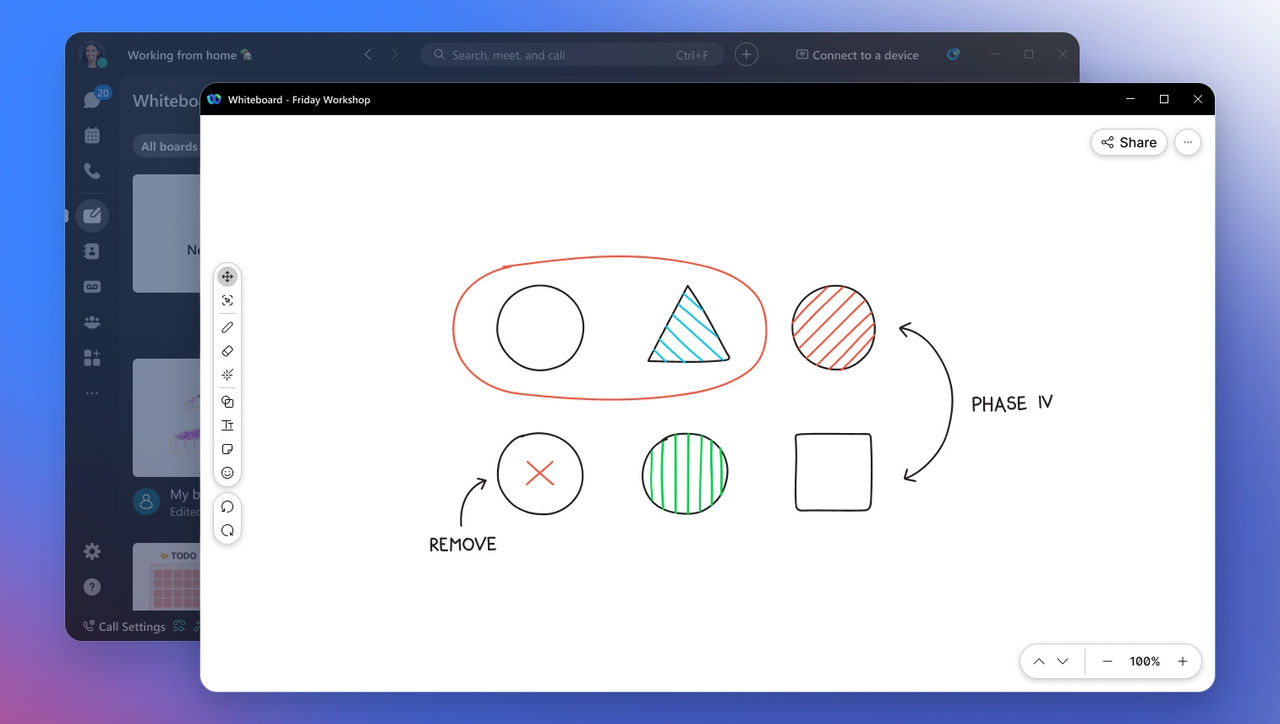
Turn ideas into shared understanding.

Brainstorm, visualize, and build on ideas together with interactive whiteboarding that keeps teams aligned before, during, and after the conversation.
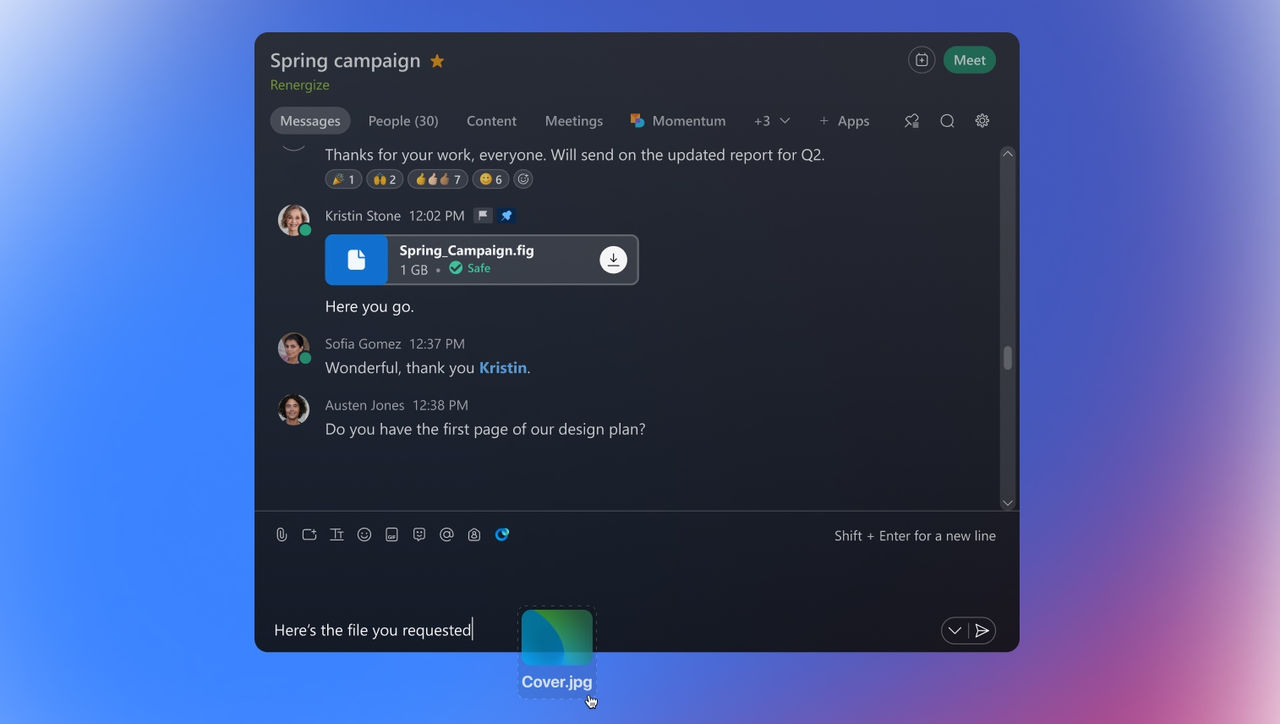
Share updates without scheduling another meeting.

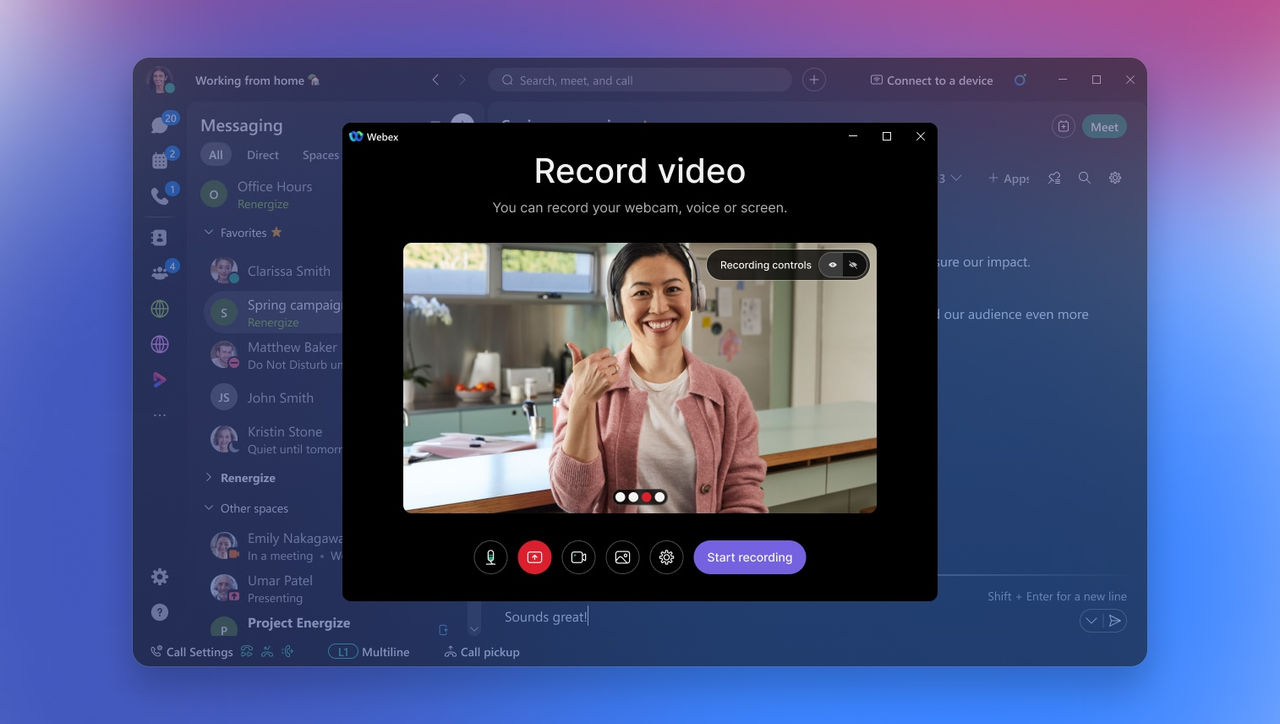
Share updates, explain ideas, and give teams the context they need with asynchronous video messages that can be recorded and shared at any time.
Let every voice feel part of the conversation.

Make everyday collaboration more expressive and inclusive with quick access to GIFs, Bitmoji, and emojis that celebrate wins, add personality, and keep conversations light.

Keep every conversation clear and actionable.

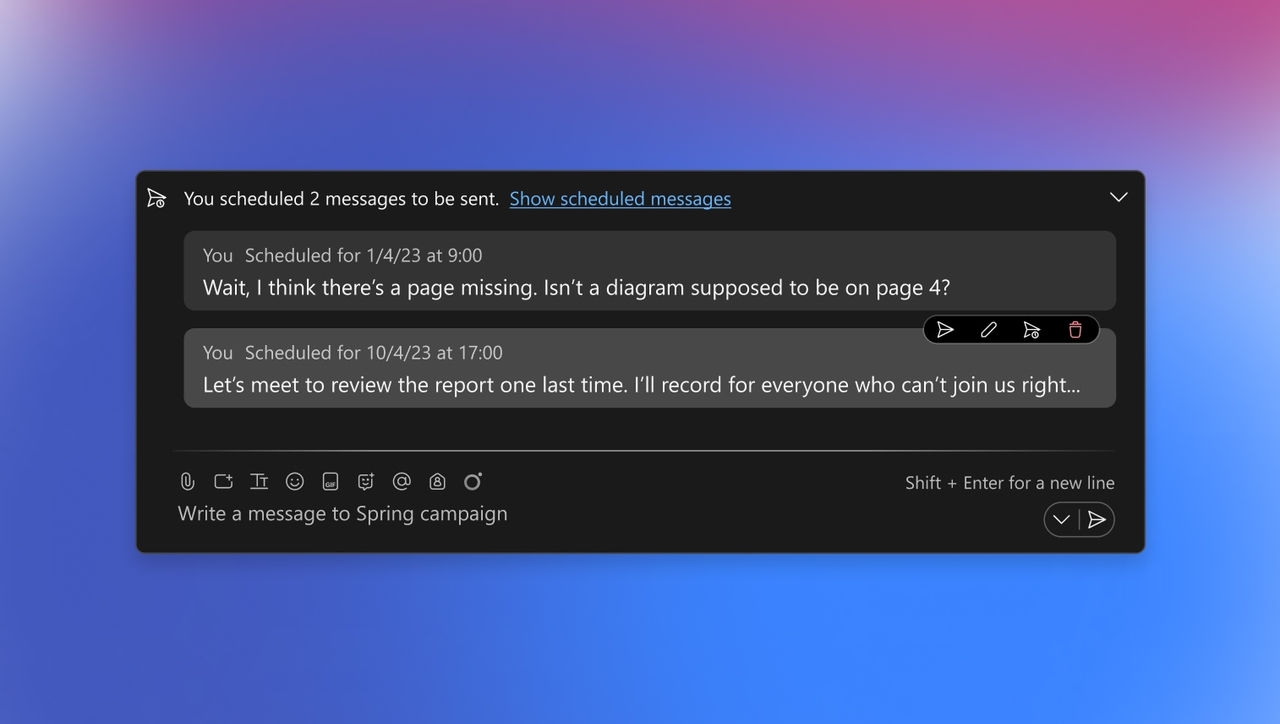
Easily edit, @mention, forward, flag, pin, thread conversations, and schedule messages and reminders so teams can highlight what matters, follow the right conversations, and keep communication organized.
Cisco AI Assistant
AI that elevates the
entire workstream.

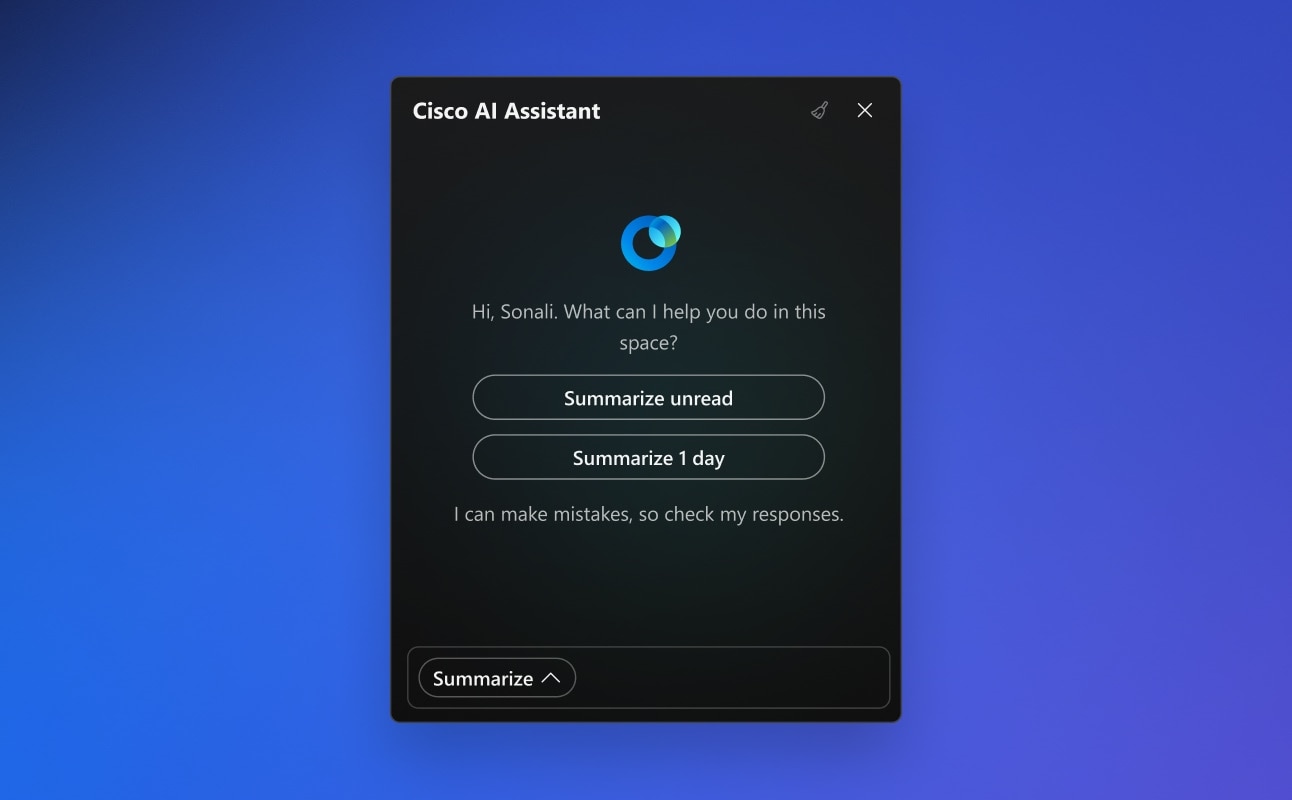
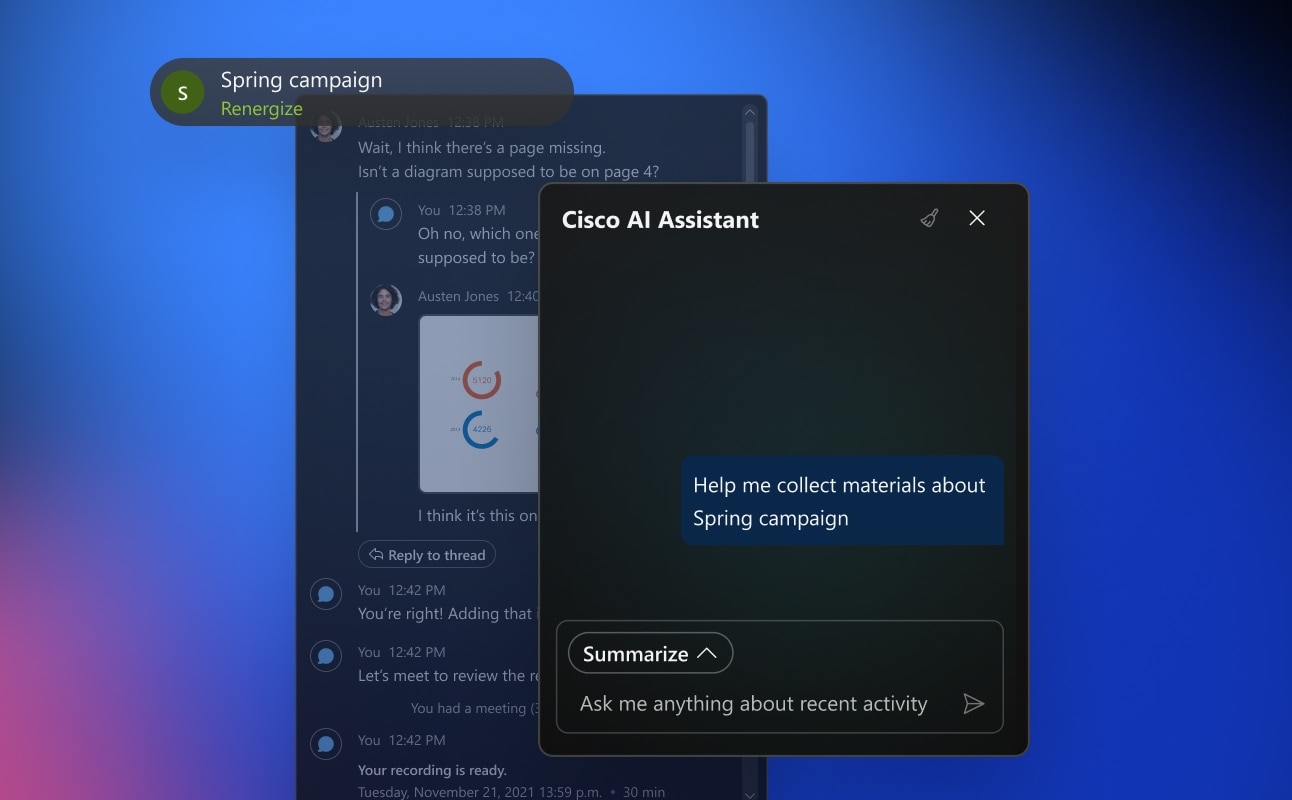
Leverage the Cisco AI Assistant to summarize spaces, surface what matters, and help teams get back to work with shared context so the work keeps moving.
  • image
    Catch up quickly.

    Summarize unread threads, missed meetings, lengthy spaces in moments with AI-powered summaries.

  • image
    Find the next action.

    Ask the AI Assistant to identify decisions, blockers, action items, and follow-ups so the next step doesn’t disappear in the conversation.

  • image
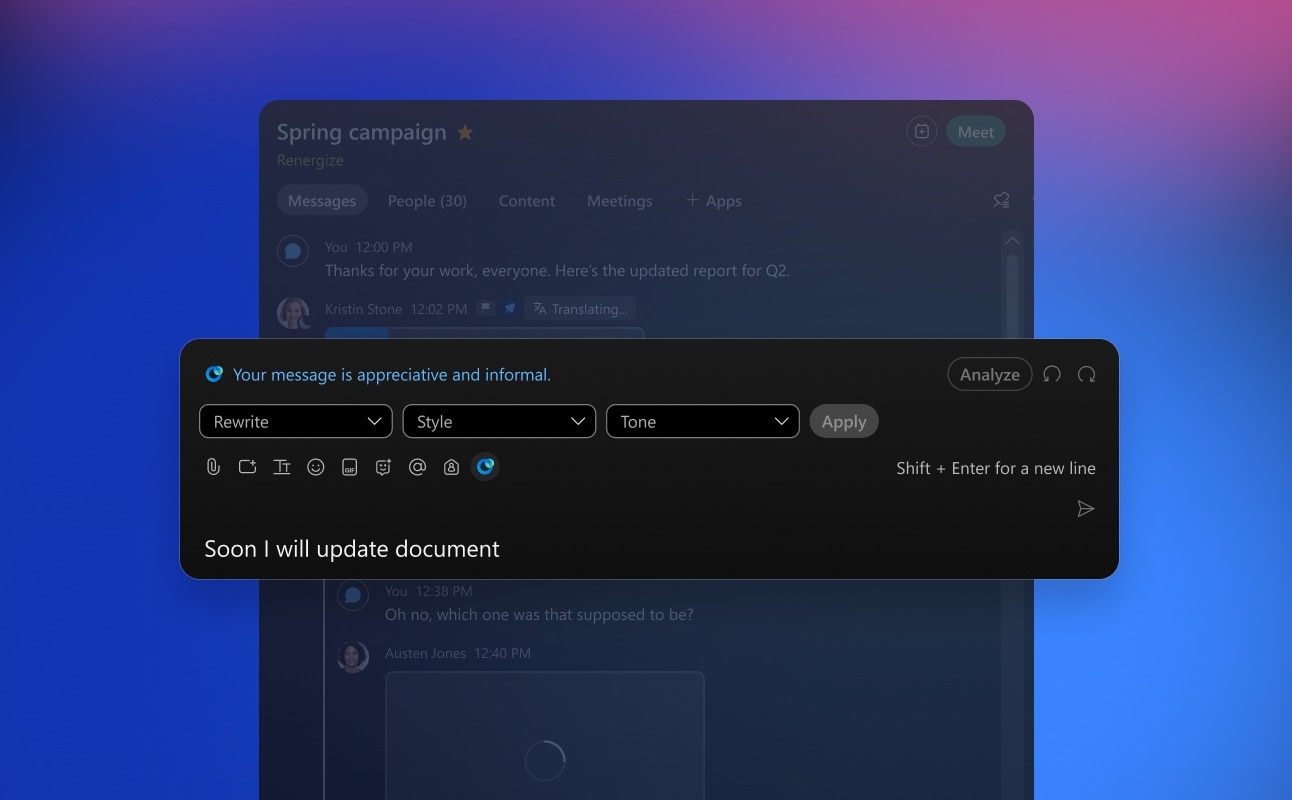
    Message with confidence.

    Fix errors, improve tone, refine style, and make messages clearer before hitting sending.

  • image
    Prep and manage your workday.

    Schedule meetings in spaces, prepare for upcoming conversations, and get ready for the day ahead with AI agents.

  • image
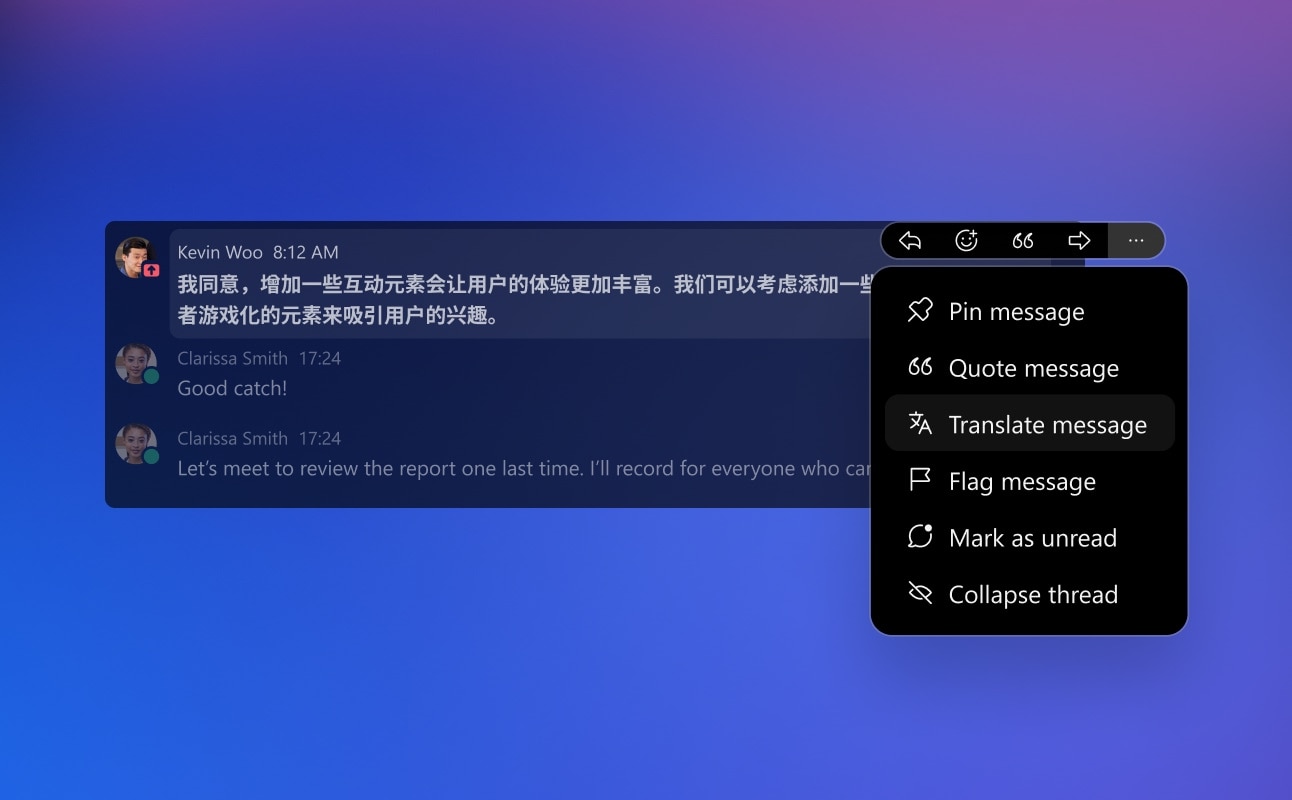
    Communicate across languages.

    Translate messages and spaces so everyone can participate across language barriers.

  • Integrations
    Connect your apps and
    AI ecosystem.

    Bring everyday tools and workflows into Webex Messaging so teams can stay focused, reduce context switching, and keep work moving from one organized space.

    AI Integrations
    Glean
    Amazon Quick
    Copilot
    Claude
    Salesforce
    Jira
    Gemini
    Workflow Integrations
    Mural
    Miro
    Google
    Smartsheet
    HubSpot
    Microsoft
    Slack
    ADP
    Box
    AppSpace

    Secure messaging,
    governed by design.

    Move work forward with admin, identity, encryption, AI, and governance controls built for secure collaboration.

    Protect every
    space.

    Give teams room to share messages, files, decisions, and project context while keeping IT visibility, policy control, and governance in place.

    Put guardrails
    around AI.

    Apply guardrails for AI-assisted messaging, summaries, search, and content generation, so everyone can use AI with confidence.

    Collaborate beyond
    your organization.

    Work with external contributors with visibility and controls that help admins manage who can participate, what can be shared, and how long content is retained.

    Less messaging sprawl.
    More admin control.

    Choose Your Deployment

    Deploy messaging across cloud and hybrid environments, connect with existing workflows, and apply consistent controls across users, teams, and locations.

    Simplify Management

    Control Hub provides a unified administrative experience to configure policies, user access, external collaboration settings, and retention and compliance rules.

    Govern Confidently

    Support retention, residency, data protection, and governance requirements so teams can collaborate in ways that align with enterprise policy.

    Real world. Real success.

    From frontline teams to global enterprises, Webex Messaging helps people collaborate in real time, reduce email overload, and stay connected across every device.

    “We live in our chats.” Galway Simon uses Webex Messaging to move faster, share files, and coordinate critical work across hybrid teams.

    The Dallas Cowboys use Webex Suite to stay connected and streamline operations whether at their campus headquarters, at training camp, or on the road.

    120
    countries
    75%
    of North American households

    Broadridge uses Webex to simplify collaboration at global scale, with Control Hub visibility into telephony, conference rooms, meeting minutes, and chat messages.

    Grand River Hospital relies on Webex Messaging to help staff collaborate and communicate using direct messages and project spaces.

    1/4
    Resources, at your fingertips.
    Work doesn't happen in meetings—it happens in spaces.
    Discover how Webex Messaging brings conversations, content, and AI-powered workflows together so teams stay aligned and projects keep moving—wherever work happens.
    Webex Suite AI Productivity Agents
    Meet the agents that work together seamlessly to eliminate the busywork that slows you down—so you can focus on the work that actually matters.
    Why Collaboration Needs a New Operating System
    In this independent analyst report, Craig Durr of The Collab Collective introduces a practical framework for redesigning collaboration to keep context moving across people, systems, and AI.
    The System Everything Runs On: Security, AI, and Connected Intelligence at Work
    See how we are building a system where context transfers across interactions, the platform grows smarter over time, and security is the foundation.
    Connected intelligence across the Webex platform.
    See how Webex delivers secure AI across meetings, messaging, calling, devices, and customer experiences.
    FAQs
    What is Webex Messaging?

    Webex Messaging is a secure, AI-powered team chat platform for instant messaging, file sharing, and co-creation. It keeps conversations, files, meeting summaries, and connected apps together in persistent spaces so work moves forward before, during, and after meetings. It's part of the Webex Suite.

    Is Webex Messaging secure?

    Yes. Webex Messaging is governed by design, with end-to-end encryption, identity and access controls, and retention and governance policies managed by IT. Admins can control external collaboration, data residency, and AI guardrails from a single console. Learn more about Webex security, privacy and compliance.

    Is Webex Messaging free?

    Webex offers a free plan that includes messaging, along with paid Webex Suite plans that unlock larger limits, advanced AI, and enterprise admin controls. You can compare tiers on the plans and pricing page.

    What's the difference between Webex Messaging and Webex Meetings?

    Webex Meetings covers real-time video calls, while Webex Messaging keeps work moving between those meetings through persistent chat spaces, file sharing, and async video. Both live in the same Webex Suite app, so context carries across without switching tools.

    Can I use Webex Messaging with people outside my organization?

    Yes. You can bring external partners, vendors, and customers into shared spaces while admins retain control over who can participate, what can be shared, and how long content is retained. This lets teams collaborate beyond the organization without sacrificing governance.

    Does Webex Messaging use AI?

    Yes. The Cisco AI Assistant can summarize unread threads and missed meetings, surface decisions and action items, refine message tone, and translate messages across languages. AI runs with enterprise guardrails so teams can use it with confidence.

    Does Webex Messaging work with Microsoft Teams?

    Yes. Cisco devices are certified for Microsoft Teams Rooms, and Webex supports cross-platform joining across major video platforms from any Cisco device. Learn more about interoperability.

    Does Webex Messaging integrate with other apps?

    Webex Messaging integrates with 100+ industry-leading apps, including Google Workspace, Salesforce, Jira, and more, so teams work with the tools they already use. You can browse available integrations in the Webex App Hub.

    Can Webex Messaging translate messages in real time?

    Yes. The AI Assistant can translate individual messages and entire spaces so participants can collaborate across language barriers, making conversations more inclusive for distributed and multilingual teams.

    Keep every workstream moving.

    Create secure, AI-powered spaces where teams can catch up, find action items, collaborate across languages and time zones, and give IT the controls it needs.