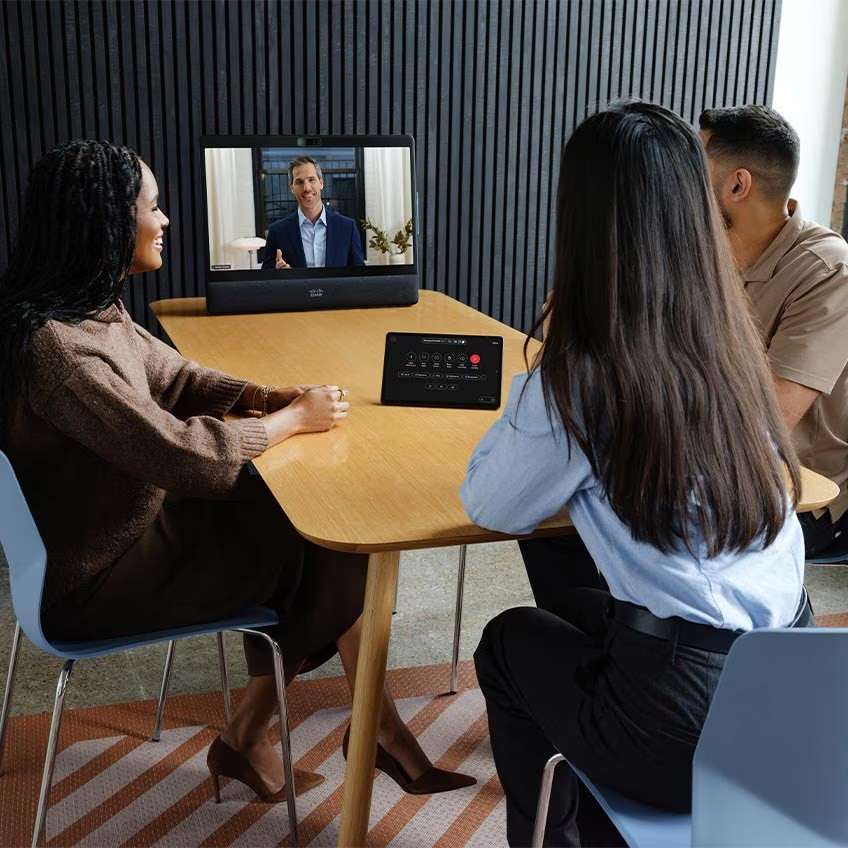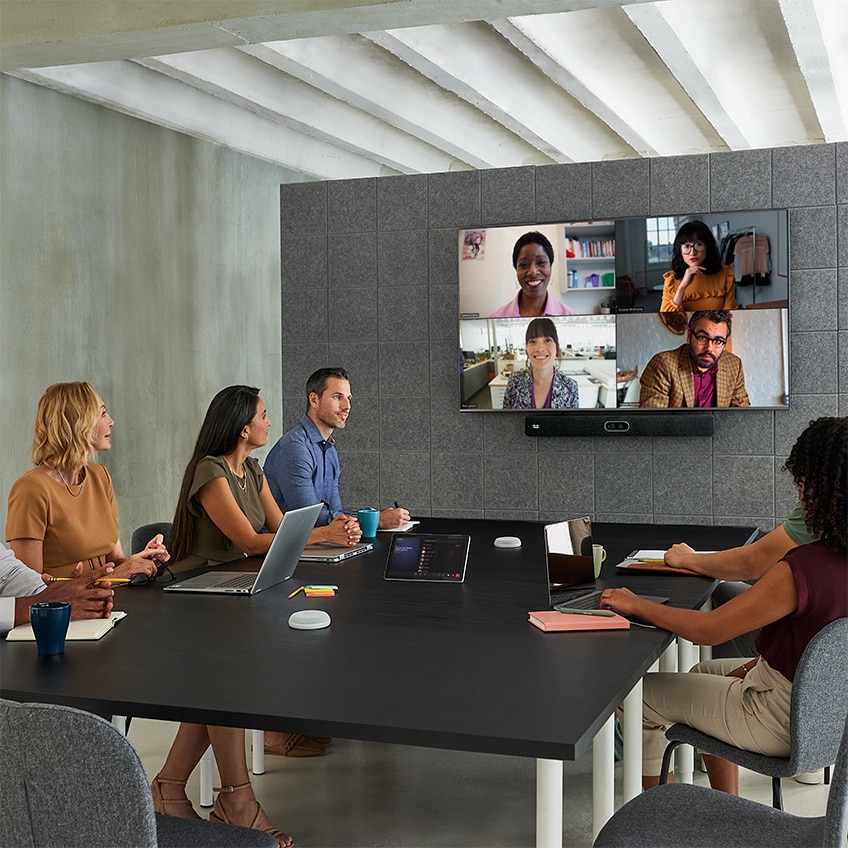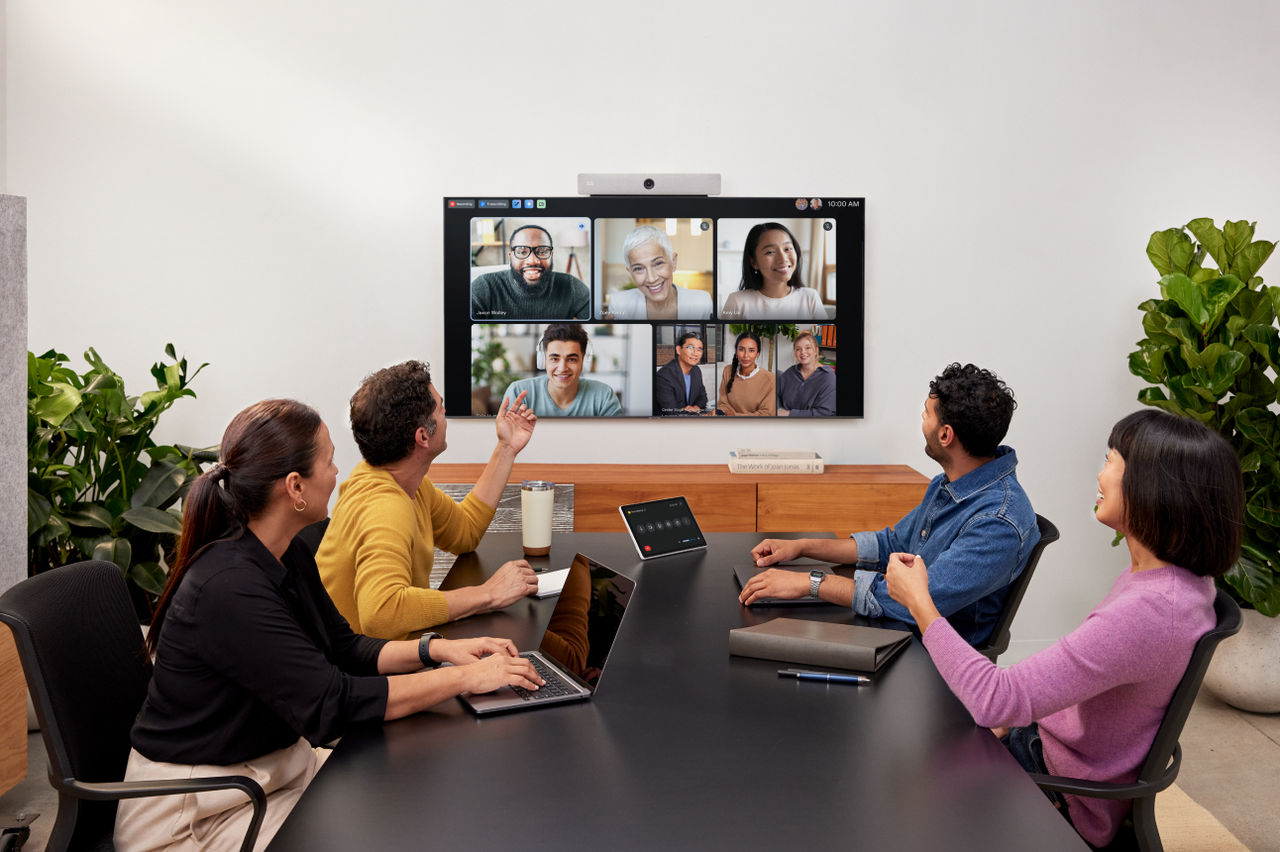
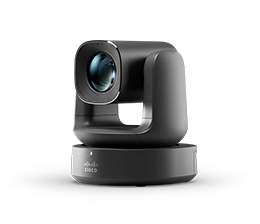
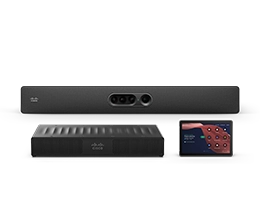
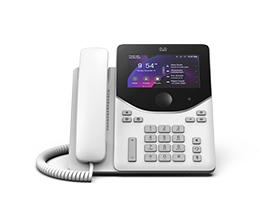
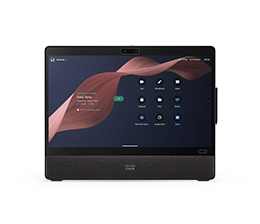
Coming soon: Enjoy the native Zoom Rooms experience on Cisco devices.

Read Announcement
Video Conferencing Interoperability

Meet your way with Cisco devices.

Join any Webex, Microsoft Teams, Google Meet, or Zoom meeting with the touch of a button.

Person taps Webex Desk Mini’s touch screen to join Zoom meeting. Screen shows apps like Google Meet, Microsoft Teams, and Zoom
Native Zoom Rooms. Elevated by Cisco.
Take a Deep Dive into Cisco Devices Interoperability
Why interoperability matters.

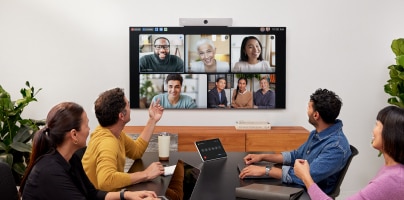
Your hybrid team deserves a consistent collaboration experience with sophisticated devices that work well with any meeting platform.

85% of organizations use more than one meeting platform1

You need devices that help you shine on all the platforms your colleagues and customers are using.

68% of knowledge workers work from the home and the office2

They need the tools for incredible collaboration, no matter where they’re working.

54% of remote workers don’t have the tech they need to collaborate3

Flexible devices are an important part of this tech stack.

Join any meeting, anytime.

Work your way with instant access to any meeting platform on Cisco devices. Experience exceptional, AI-powered video conferencing that’s intuitive for every user while simplifying deployment and management for IT.

Webex Meetings on Cisco devices

Optimized for Webex, Cisco devices streamline workflows and provide advanced features including the Cisco AI Assistant, chat reactions, breakouts, poling, webinar hosting, and more.
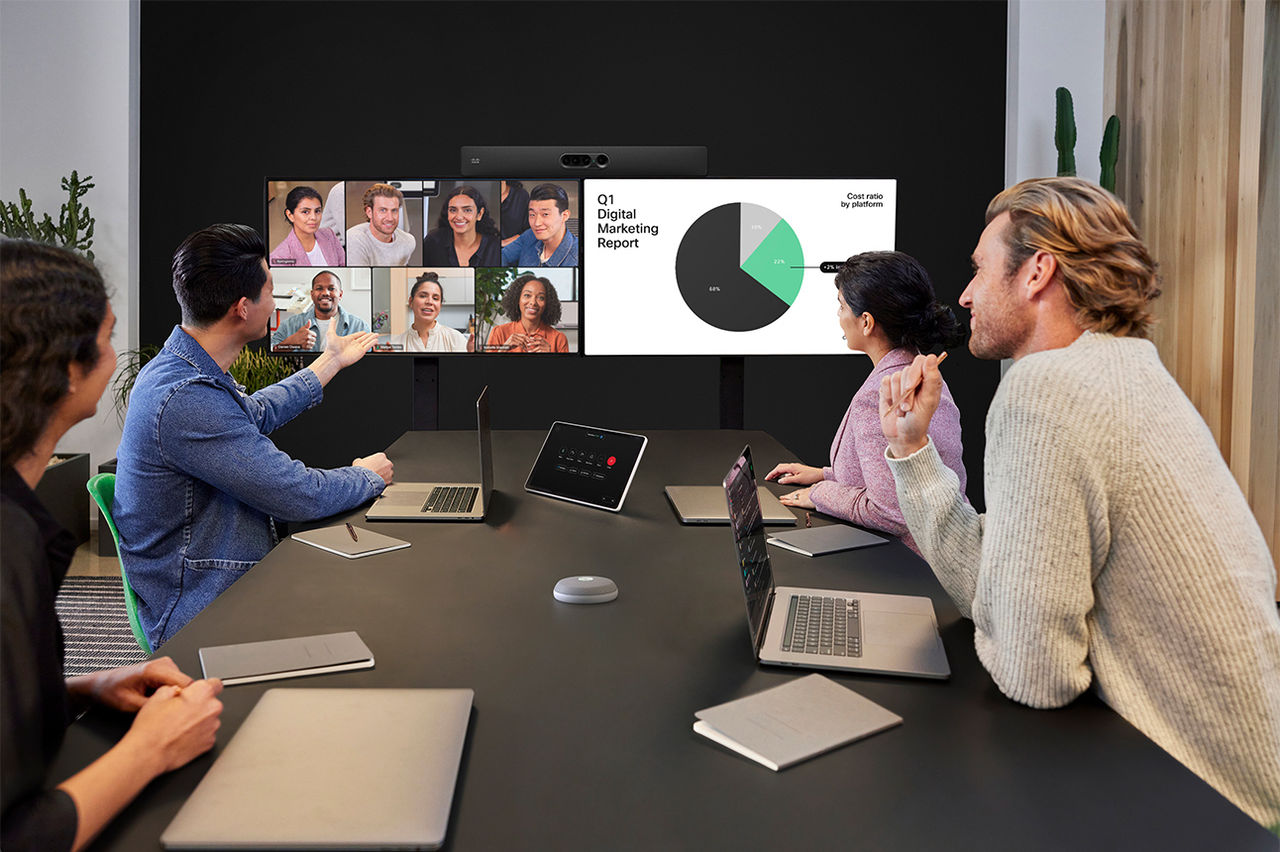
Microsoft Teams

Choose from a complete range of certified Microsoft Teams Rooms devices or get rich cloud video interop (CVI) with the Cisco Video Integration for Microsoft Teams (VIMT) within the Cisco Rooms experience.
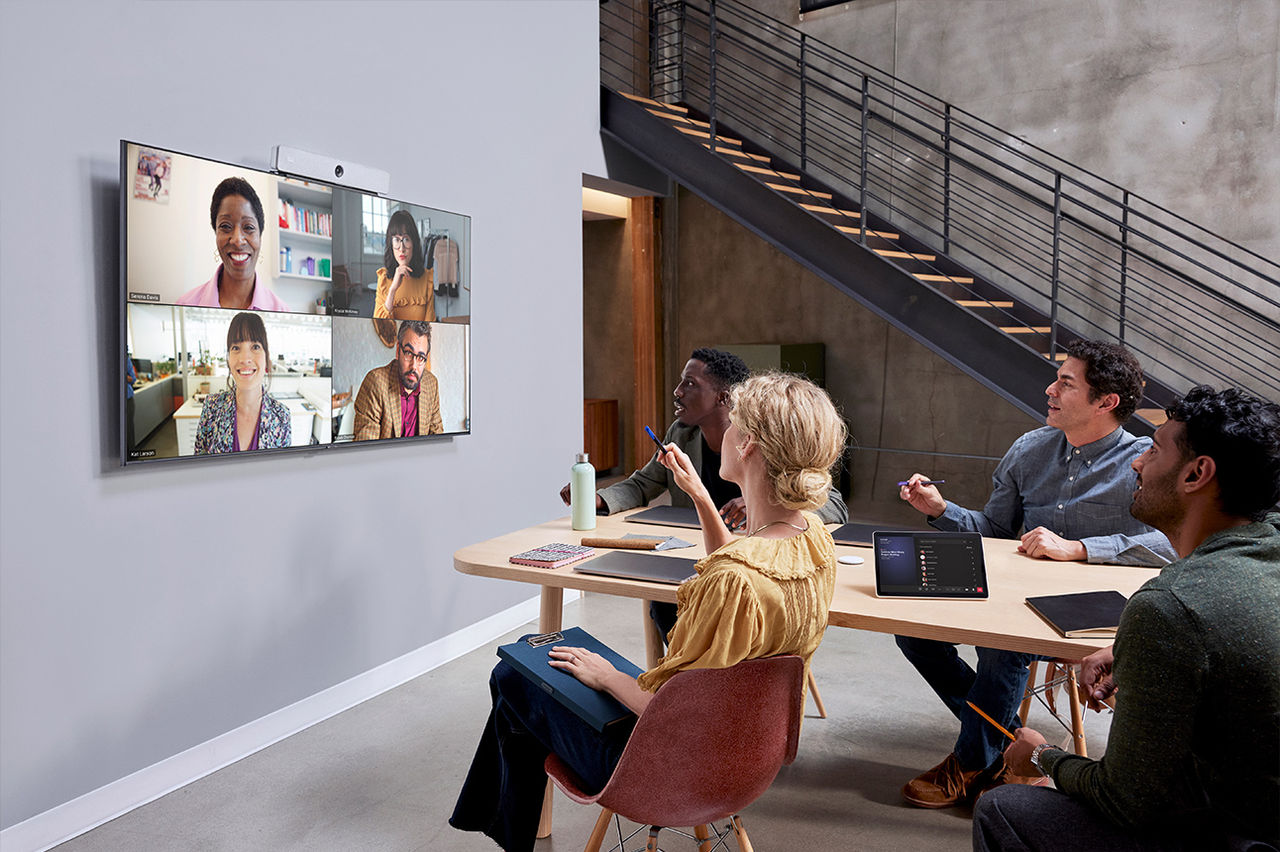
Zoom Meetings

Give teams the Zoom Rooms experience they know, on Cisco devices built for intelligent collaboration. Run Zoom Rooms natively on certified Cisco video devices, or use Zoom on Cisco Rooms with advanced interoperability, centralized management, flexible deployment options, and rich workplace integrations.
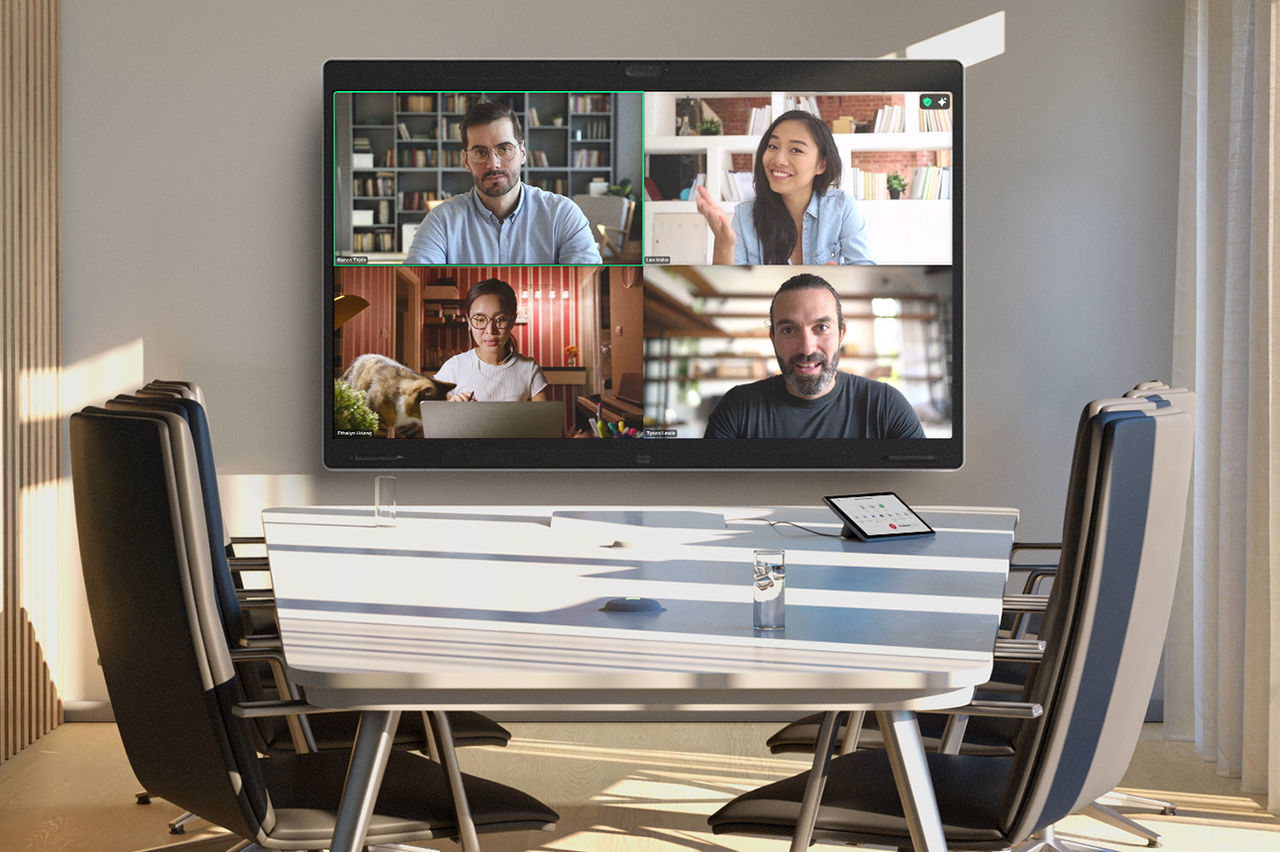
Google Meet

Join Google Meetings with WebRTC technology with enhanced wired and wireless content sharing.

Collaboration without barriers.

Say goodbye to switching software or reconfiguring devices between meetings.

Join any meeting with ease

Switching meeting platforms throughout the day? Enjoy single-button meeting join across multiple platforms without a factory reset on the video device.

Skip the software reboots

No need for complicated software reboots between meetings. Join any Zoom, Microsoft Teams, Google Meet, or Webex meeting with the touch of a button.

Enjoy intelligent experiences

Enjoy AI-powered features like smart camera options, virtual backgrounds, background noise removal, and optimize for my voice—no matter what meeting platform you’re using.

Explore Camera Features
Empower your hybrid team

Set your team up for success with the tools they need to collaborate and connect to any workflow with ease.

Connect with clients

Securely and efficiently connect with your customers and partners on the meeting platform they’re most comfortable with, while still enjoying the features you love.

Future-proof your investment

Invest in flexible, high-quality video conferencing equipment that’ll serve your team for years, even if you change your meeting provider.

Interoperability insights.

The latest on interoperability and collaboration devices—and how your team can thrive in the world of hybrid work.

Video Interop in the Hybrid Work Environment
Learn how interoperability decisions impact your team every day.
Overcoming Hybrid Work Challenges with Smart Desk Devices
Laptops, thanks for your time, but our meeting is definitely over. See how you can achieve a better hybrid work experience with smart desk devices in this Frost & Sullivan whitepaper.
An Open Platform for Hybrid Work from Any Device
Tune in for this webinar to find out how Cisco devices allow you to easily join any meeting.

Better collaboration with Cisco Devices.
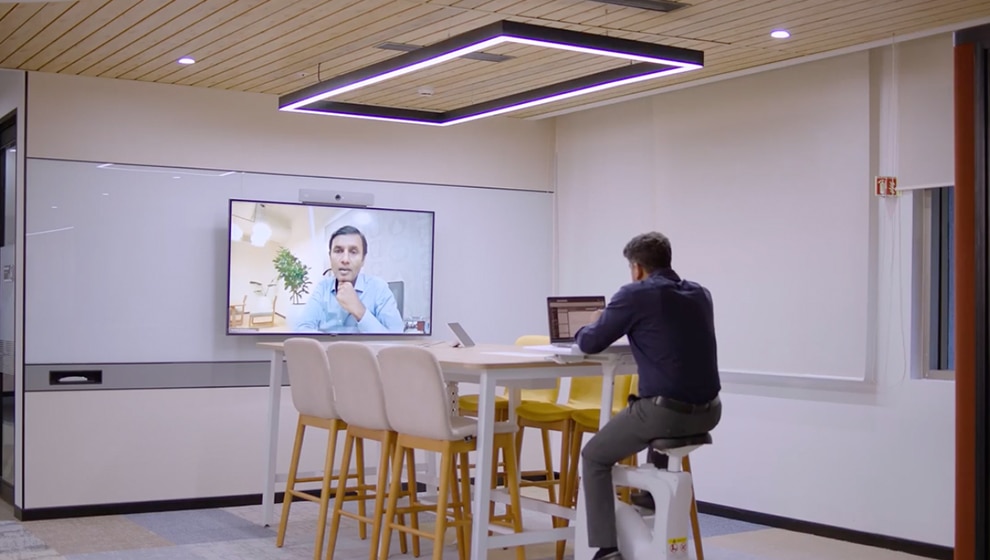
“With Cisco devices and Microsoft Teams Rooms, collaboration at LTIMindtree became inspiring, effortless, and human-first. Building on a vision for a more connected and confident workforce, the company redesigned their spaces from the ground up.”
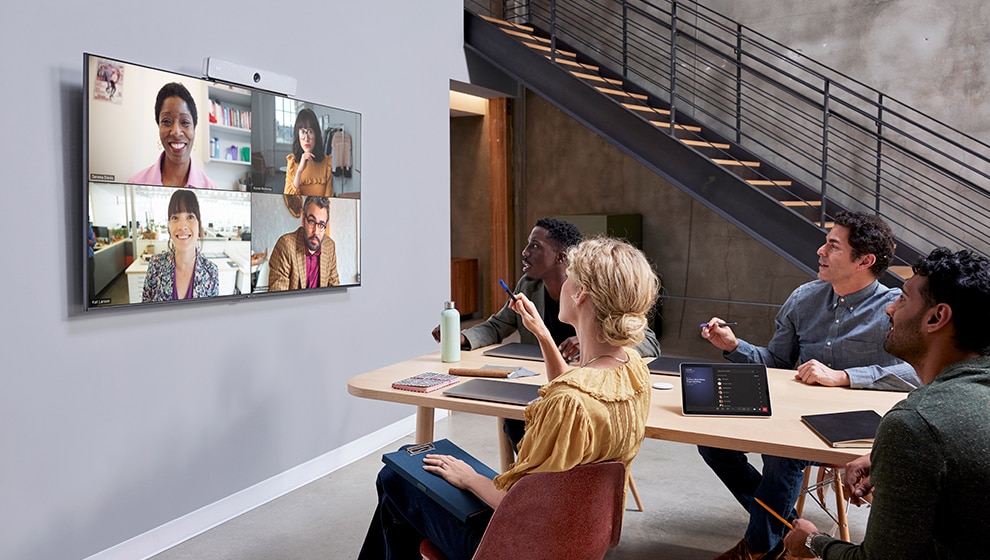
“People just walk into the room, tap the screen, and start their meeting. There are no complications.”
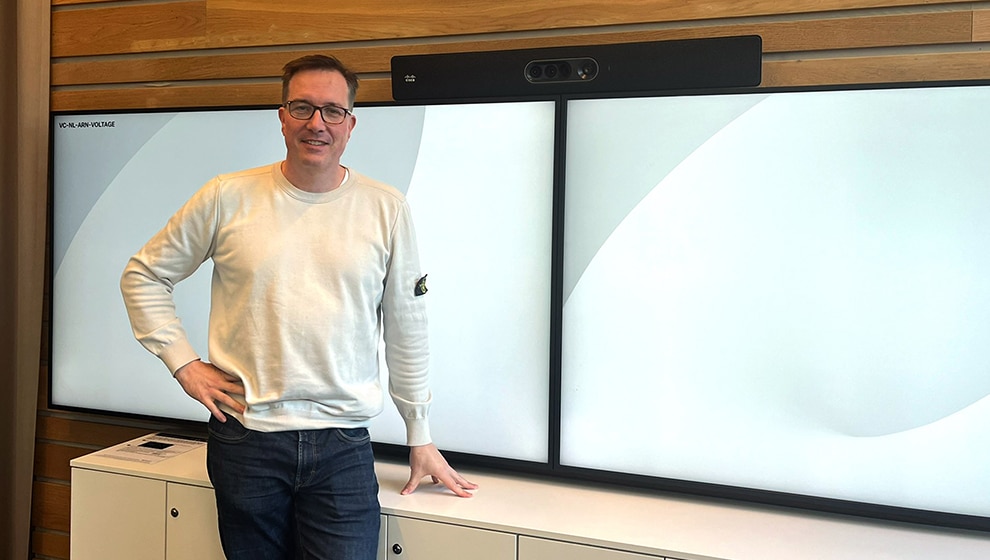

Thomas Biechele, Collaboration Specialist, Haufe Group

"With Cisco as the base solution, users have the flexibility to use the platform of their choice."
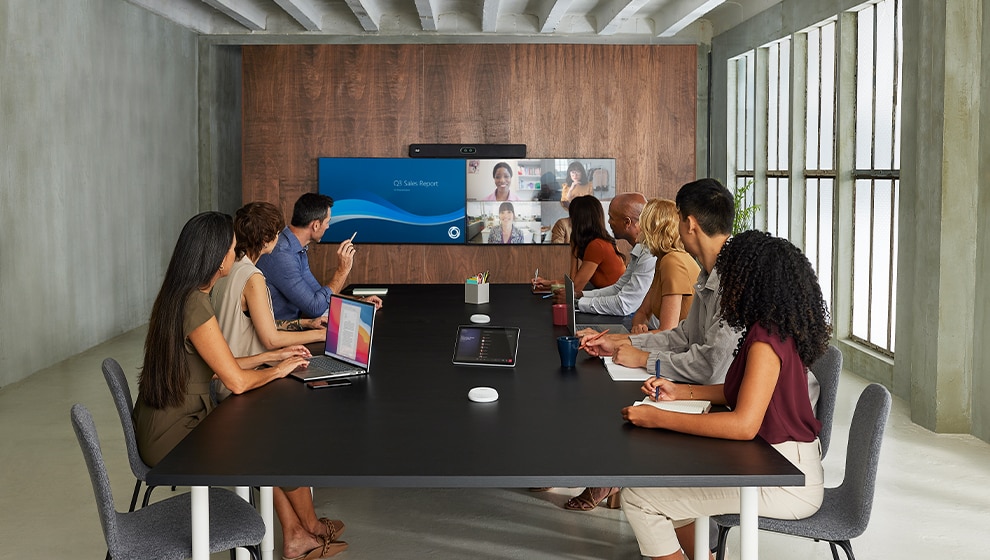
Bas Ferwerda, Product Owner and Project Lead, TenneT

“We can proactively utilize data to improve our business and office environments.”
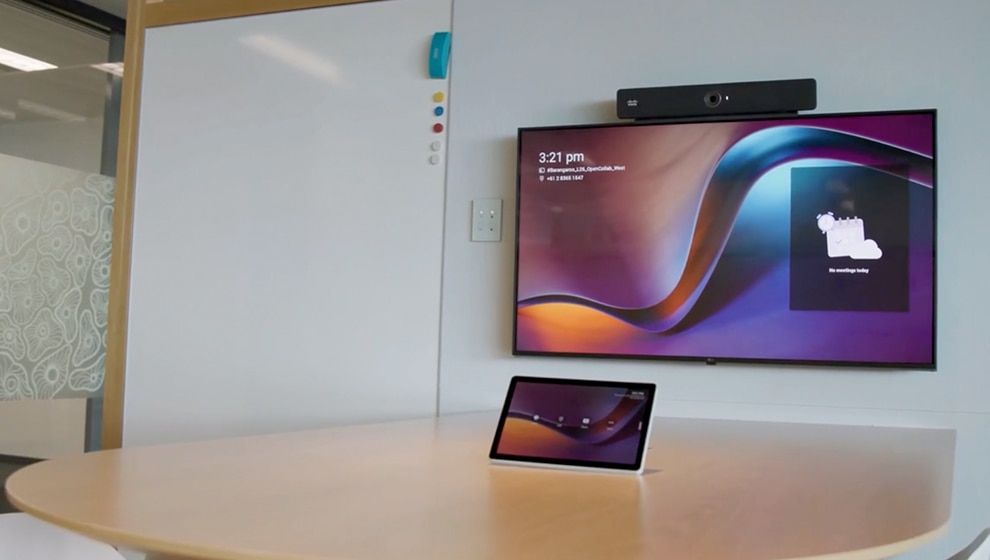
Naonori Hamada, Director, Digital Innovation Department, NTT DOCOMO Business

“The integration between Cisco and Microsoft has been very smooth.”

Giovanni Chiarelli, Group Chief Technology Officer, TPG Telecom

1/5
Frequently asked questions.
What is interoperability?

Put simply, interoperability describes when one piece of technology works well with another. For example, Cisco devices work well with Microsoft Teams meetings and a plethora of other video conferencing platforms. They aren’t just compatible with Webex meetings.

Said another way, interoperability is the ability of a system, device, application, or product work with or use the parts or equipment of another. Interoperable devices, applications, etc. can connect and communicate in a coordinated manner, doing so seamlessly, without the user putting in much extra work. Leveraging interoperable tools helps companies be more efficient and communicate more effectively.

When it comes to video conferencing equipment and meeting platforms, there are several interoperability options:

  • Native 3rd-party meetings applications : The unique architecture of Cisco devices based on the RoomOS operating system means that we can launch fully featured 3rd party meetings. For example, when deployed as a Microsoft Teams Room, Cisco devices are running the native Microsoft Teams Rooms Android application. And you can join and launch fully featured Zoom meetings directly from the Cisco Rooms home screen.
  • Native SIP : Native Session Initiation Protocol (SIP) allows video endpoints from different vendors to connect to each other or into a meeting platform with a basic set of functionalities like audio, video, content sharing, and encryption.
  • Gateway : If a conferencing platform doesn’t offer native SIP, they might offer a gateway service, which allows meeting participants to use their preferred device to join proprietary meetings. The gateway is required to translate signaling and may transcode media to the correct format.
  • WebRTC : Web Real-Time Communication (WebRTC) is browser-based. In this type of interoperability, the virtual meeting platform provides a standard interface that lets participants join via their web browser, without installing a specific application. High-quality video endpoints feature built-in web-engines which can use WebRTC interface to join video meetings from the device, leveraging the device’s microphone, speakers, camera, and screen.
  • USB Passthrough : USB passthrough allows people to join any meeting platform from the video conferencing device, using the device’s interfaces via USB.
What video conferencing platforms are Cisco devices compatible with?

You can use Cisco devices to join meetings from any video conferencing platform you choose—Webex, Microsoft Teams, Google Meet, Zoom, and more. Regardless of which meeting platform you’re using for a specific meeting, you’ll still get all the benefits from the device’s high-quality screen, camera, and audio capabilities.


To further ensure a consistent user experience, no matter what type of meeting you’re joining, you can use the One Button To Push (OBTP) feature on your Cisco devices and easily join any meeting with the push of a single button. Simply enable the Hybrid Calendar Connector to set up One Button To Push.

Are Cisco devices compatible with Zoom?

Yes. On Cisco video devices, you can leverage different levels of interoperability with Zoom.

  • Cisco Devices for Zoom Rooms: Run the native Zoom Rooms user experience on certified video devices for the familiar interface, layout options, and full-featured Zoom meetings in addition to the option for full-featured Webex Meetings, and the ability to meet on Microsoft Teams and Google Meet. In addition, you can enjoy the built-in audiovisual intelligence of the video device, and leverage advanced manageability.
  • Zoom for Cisco Rooms: Join and launch fully featured, native Zoom meetings from the Cisco Rooms home screen. The new integration launches the Zoom App directly on your video device with the familiar Zoom user interface, native meeting layouts, and controls, and offers a guest mode and a signed-in mode to experience Zoom Meetings for Cisco Rooms (learn more):
  • Zoom CRC (on Cisco Rooms): In addition, you can also join and start Zoom Meetings using SIP, leveraging Zoom Conference Room Connector (CRC) interoperability. You can join any Zoom meeting from a Cisco device and still enjoy the benefits of the device's high-quality screen, camera, and audio capabilities. You can also take advantage of Cisco devices' One Button To Push feature so you can join your Zoom meeting with the push of a single button.
  • Bring-Your-Own-Device (BYOD): You can also join the Zoom software client from your laptop and leverage the audiovisual capabilities of the Cisco video device when connected via USB-C.
Are Cisco devices compatible with Microsoft Teams?

You can join any Microsoft Teams meeting from Cisco devices and benefit from the Cisco device’s high-quality AI-powered audio and video, flexible content sharing experiences, smart workplace integrations, and unrivalled security, management and observability features.


There are several ways to experience Microsoft Teams meetings on a Cisco device, as described below:


When deployed as a Microsoft Teams Room (MTR):


You can run native Microsoft Teams Rooms on a series of Microsoft Teams Rooms and Microsoft Teams Panel-certified Cisco devices, covering small to large workspaces, including focus rooms and huddle spaces to ideation spaces and conference rooms. This provides you with the most feature-rich Microsoft Teams experience, advanced customizations, rich interoperability including the option for full-featured Webex Meetings, versatile content sharing (including Miracast and Apple AirPlay), and expert workspace management in Control Hub. Learn how to set up MTR on Cisco devices.


When deployed with the Cisco Rooms experience:


Join via Webex Video Integration for Microsoft Teams (VIMT), a cloud video interop (CVI) service. With VIMT on Cisco Rooms, you have access to features including participant lists, cross-tenant meeting join, the ability to mute/unmute participants, two-way content sharing, PowerPoint Live, and support for IntelliFrame. Enable the Hybrid Calendar Connector so VIMT can automatically enable you to join Microsoft Teams meetings and you can leverage the One Button to Push feature. Learn more about VIMT.


or


Microsoft Teams WebRTC: If you don't have VIMT, you can still join a Microsoft Teams meeting from your Cisco device using WebRTC. Please note that there are feature limitations with WebRTC versus VIMT. The device will automatically launch the WebRTC browser so you can join the meeting with One Button to Push. Learn more about how to enable WebRTC  and how to join a Microsoft Teams meeting with WebRTC.

Are Cisco devices compatible with Google Meet?

You can join any Google Meet meeting from Cisco devices, still benefitting from the Cisco device’s high-quality screen, video, and audio. Join the Google Meet meeting with the One Button to Push feature, or tap the Google Meet button directly from your Cisco device. You can also connect to the meeting by dialing in. You’ll need the code provided in your calendar invite or at the end of the meeting link. Once you have the code, you can join by selecting the Google Meet button on your Cisco device. Learn more about joining Google Meet meetings on Cisco devices.

Reimagine your workspaces.

Explore a full range of workspaces and easily deployable blueprints to equip your spaces for incredible outcomes.
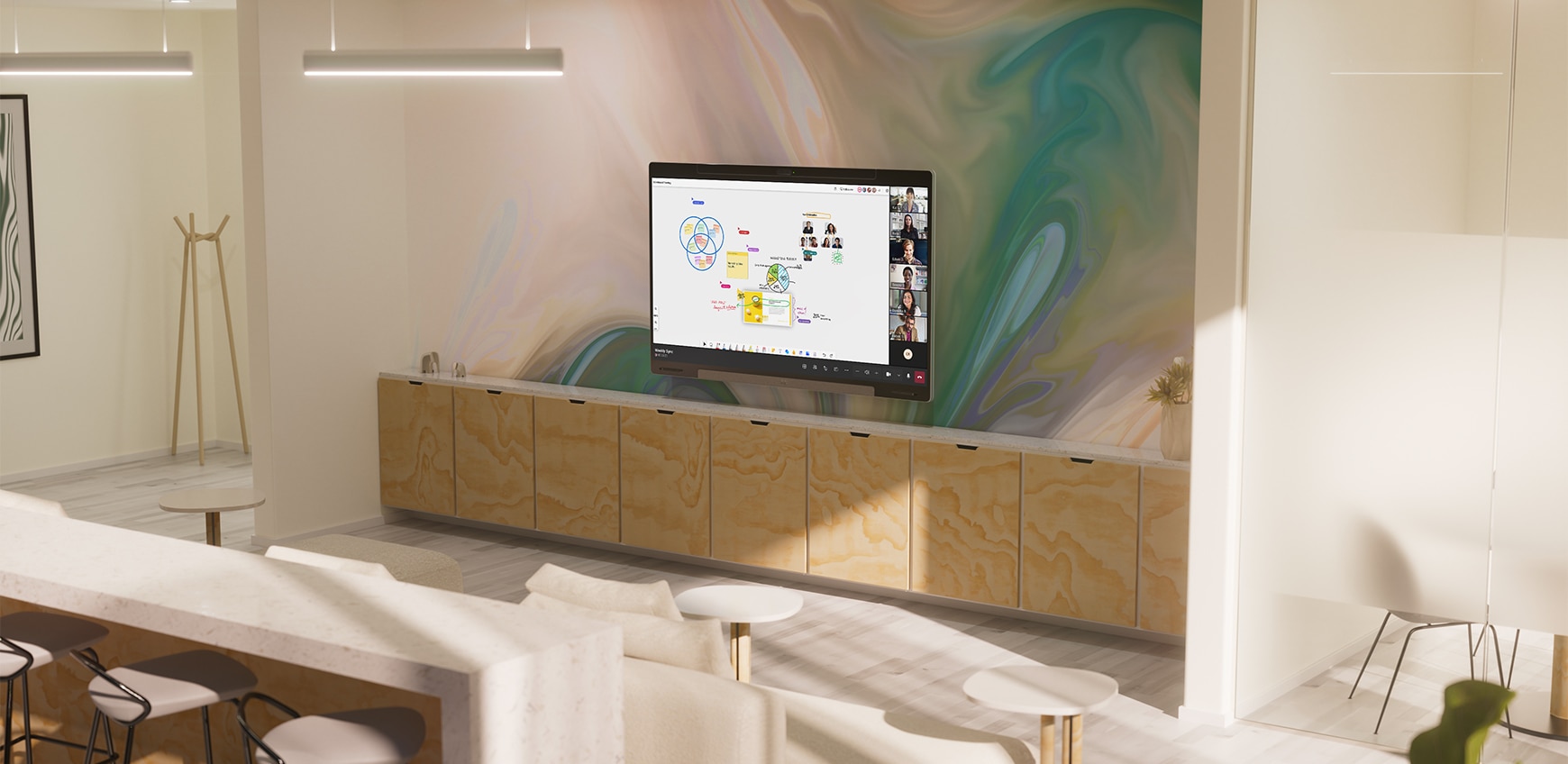
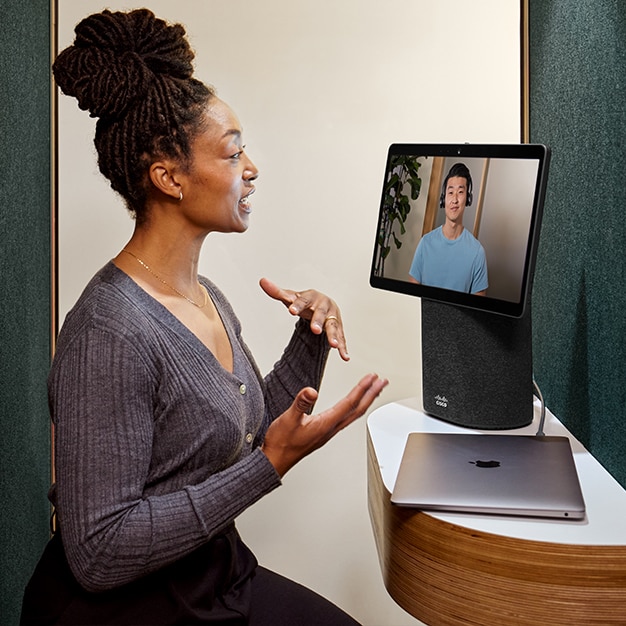
Person collaborates with a colleague on a virtual meeting, using a Create an instant workspace with the portable video conferencing device designed for taking meetings with you to any room..
Devices that power hybrid teamwork.

Whether you’re working from home, in the office, or on the go, Cisco devices keep you connected and collaborating. Explore the full suite from webcams and headsets to all-in-one collaboration solutions for the desk and meeting rooms.


1. Cisco Devices Decision-Maker Survey - 2022.

2. Entering the Era of Hybrid Work. Dimensional Research, September 2021.

3. The Data Behind Video Meeting Fatigue. Dimensional Research, May 2022.

Get started today.