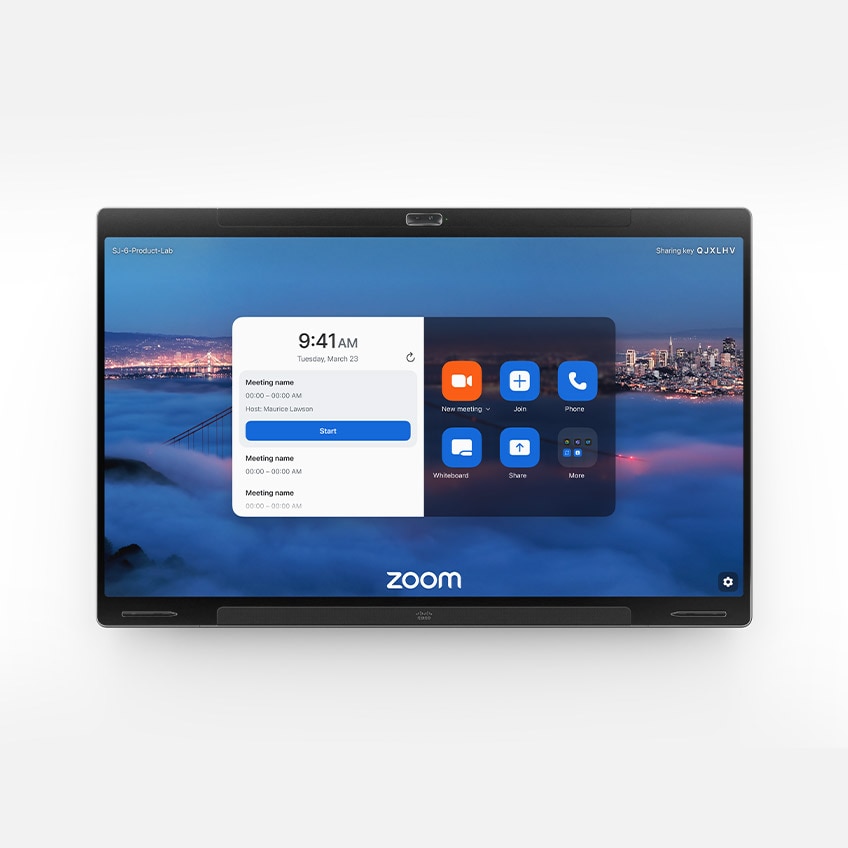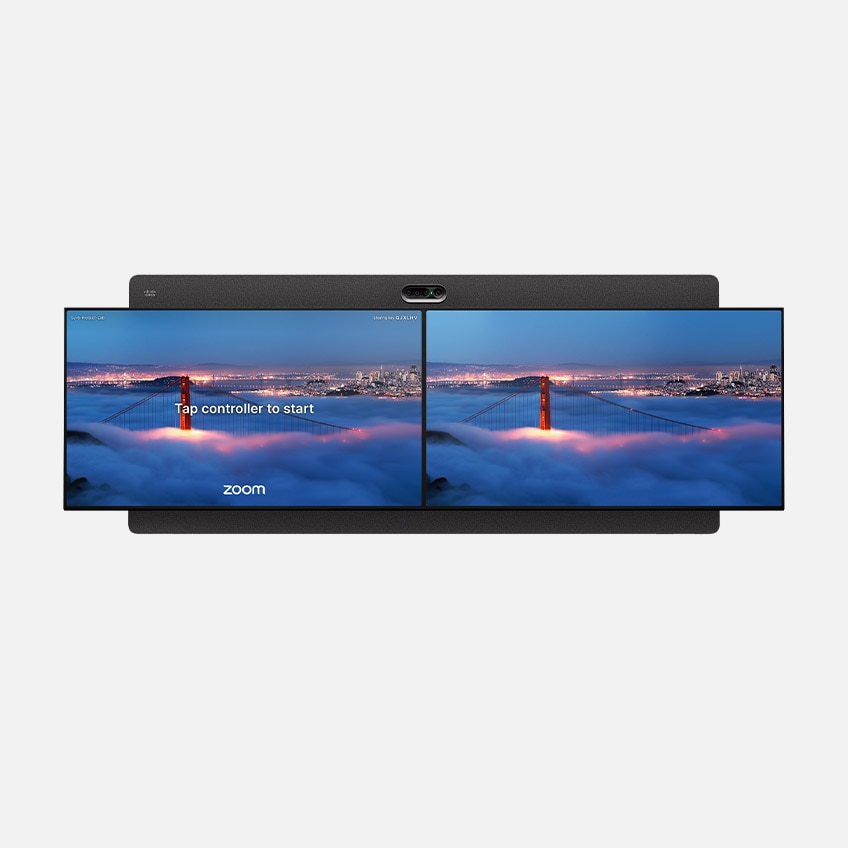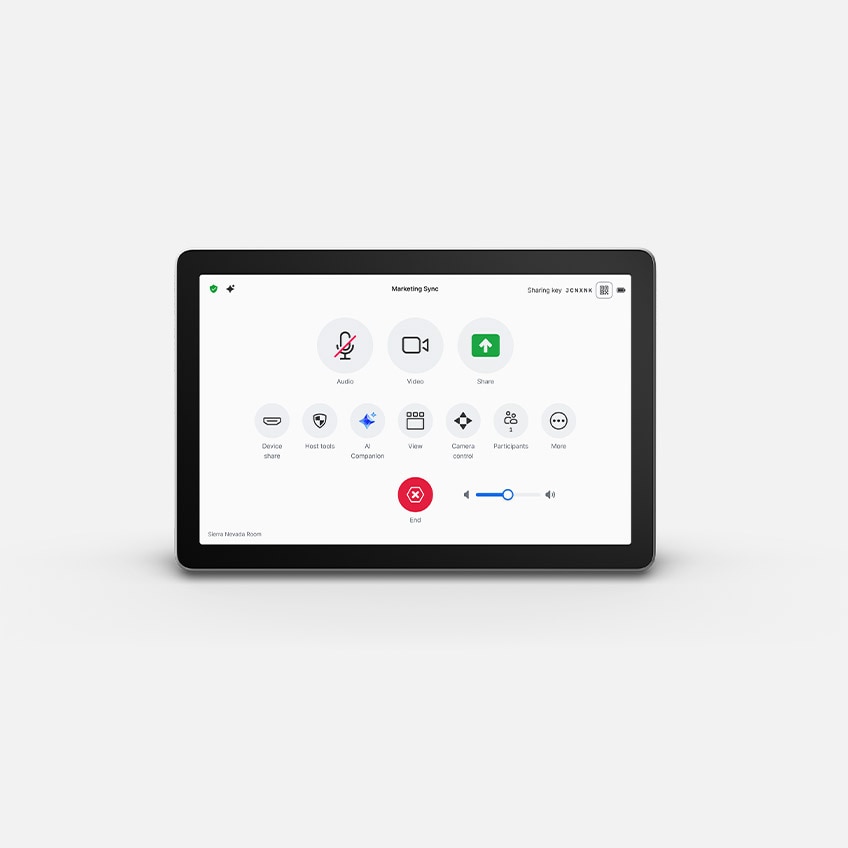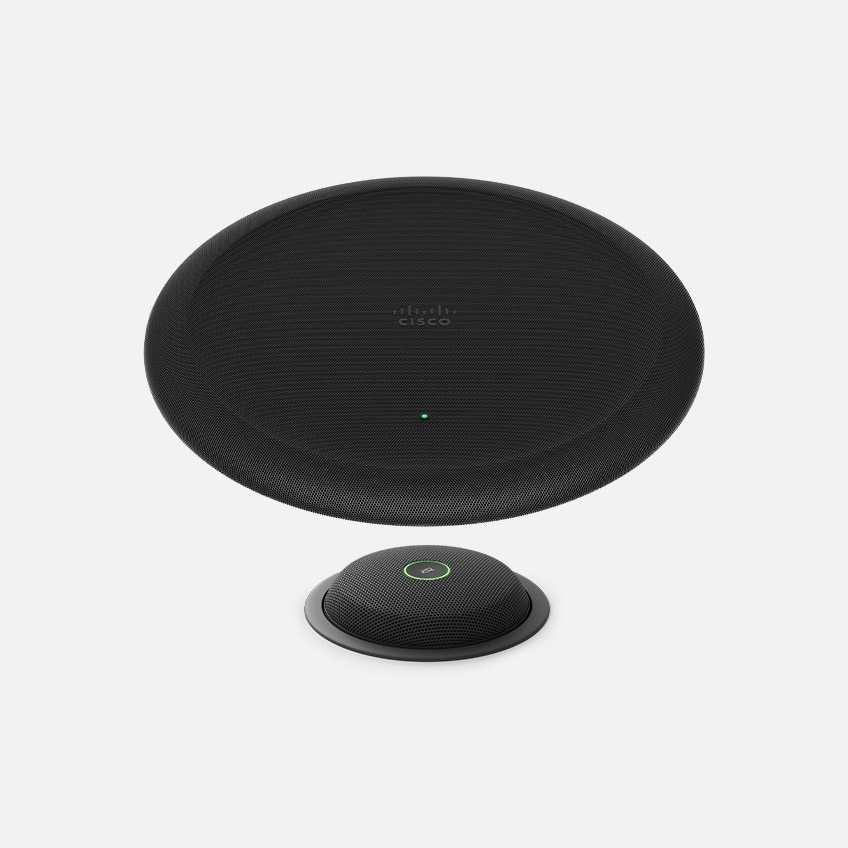
Cisco Devices for Zoom Rooms

Cisco & Zoom.
Amplify every room.

Build connected collaboration hubs with beautifully designed, purpose-built video conferencing devices from Cisco.

Make the most of your Zoom Rooms.

Patchworked room systems can only get your teams so far. A better Zoom Rooms experience starts with Cisco devices.

Reimagine your workspaces.

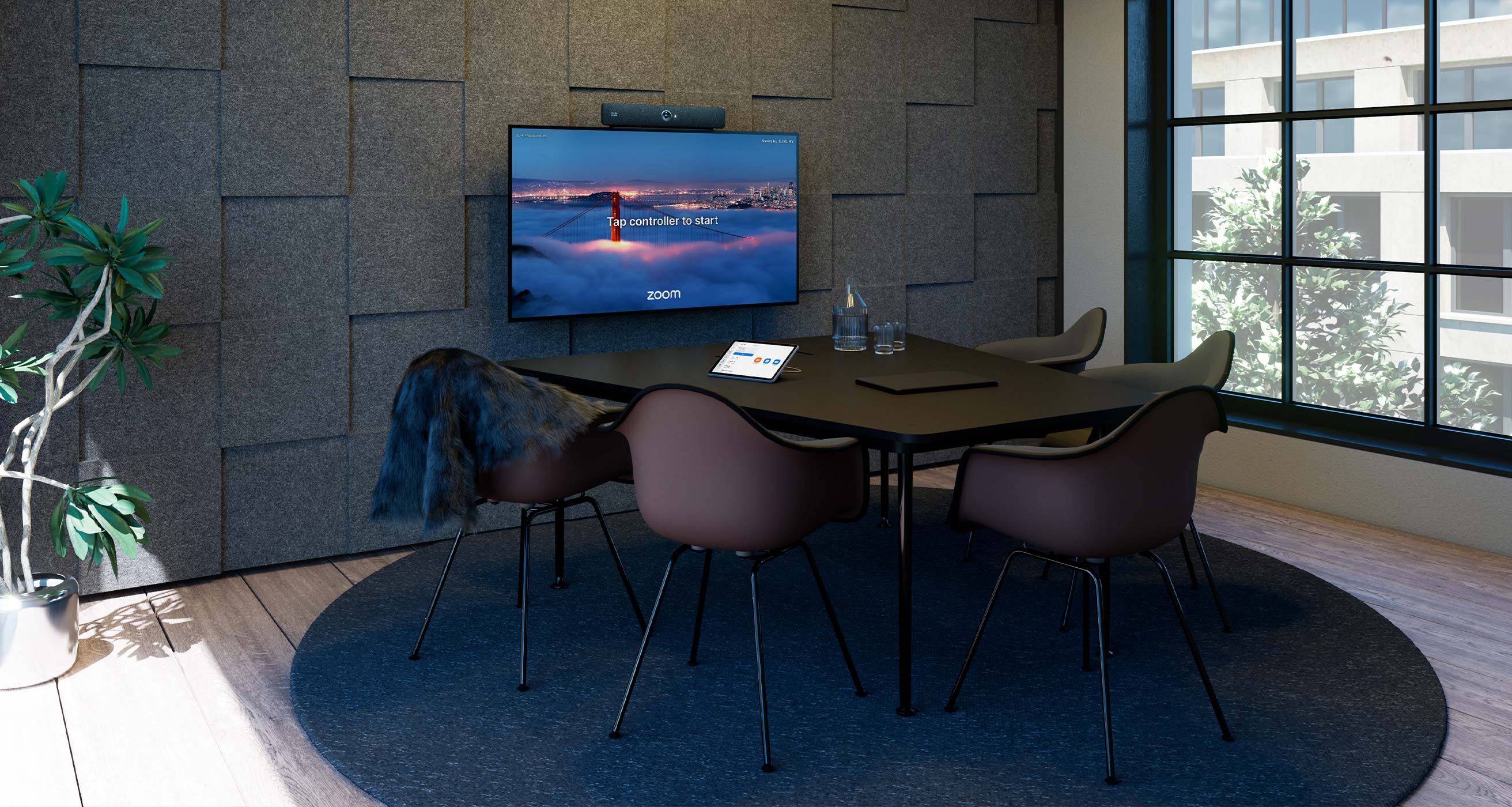
Equip spaces from huddle rooms to boardrooms with Cisco devices and AV over IP peripherals that deliver predictable and consistent experiences for users, simplify management, and ensure effortless scalability for your Zoom Rooms.

Eliminate distance.

Built-in edge AI powered by Cisco and NVIDIA delivers new levels of audiovisual intelligence and agentic workflows that make conversations feel natural, equitable, and productive—while the technology fades into the background.

Manage it all.

Onboard devices, monitor room health, resolve issues faster, and ensure your spaces are always ready from a centralized management portal. With Control Hub and the Zoom Admin Portal, IT and workplace teams get the visibility, insights, and controls they need across a campus or global footprint.

Security, built in.

Meet stringent privacy, security, and compliance needs with secure boot, device authentication, local AI processing, end-to-end encryption, and strong security protocols designed to help protect your Zoom Rooms at scale.
Any platform, any time.

Protect your investment. Cisco devices provide the native Zoom Rooms experience combined with native Webex Meetings, and enhanced interoperability with Microsoft Teams and Google Meet—all on the same device.

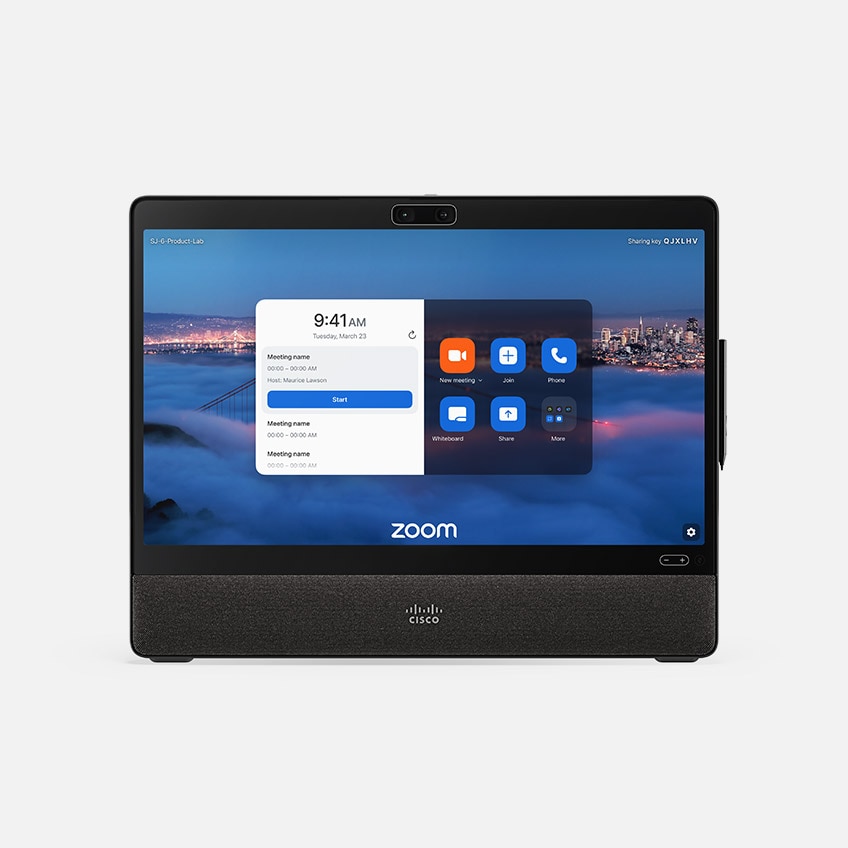
Your Zoom Rooms, reimagined.

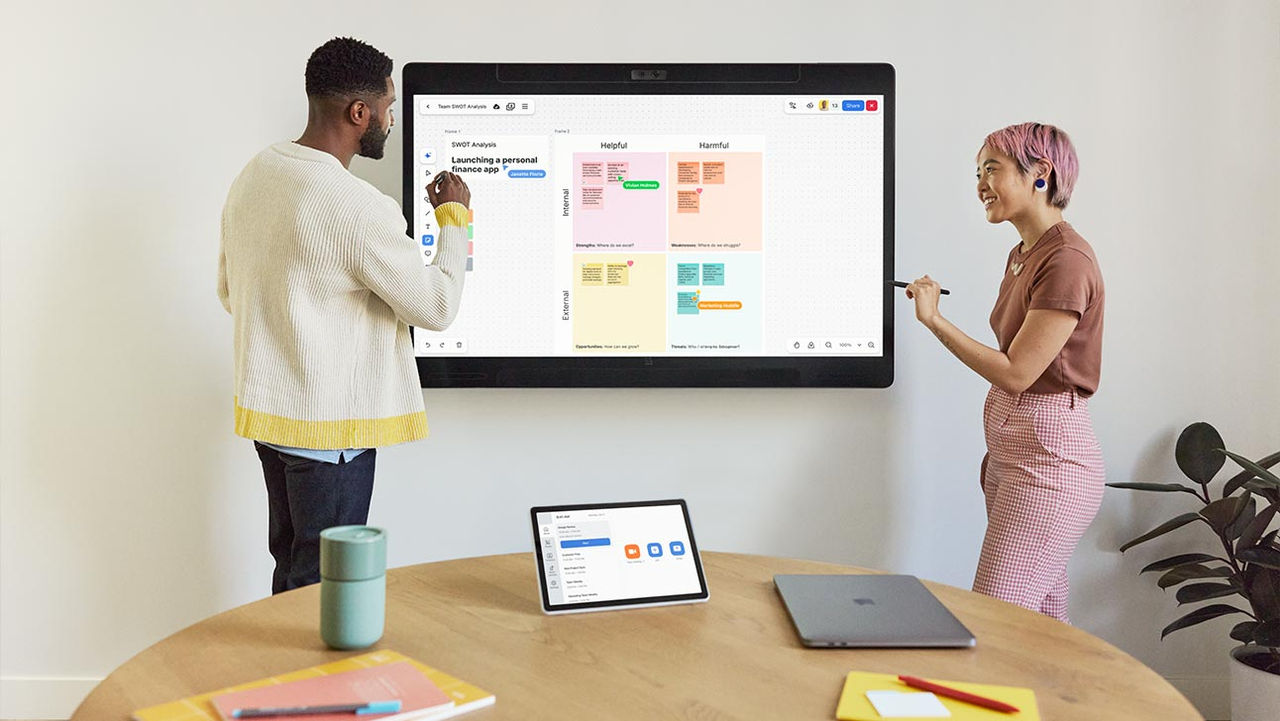
Design the best of Zoom Rooms experience in any workspace with exquisite video conferencing, powerful content sharing, and intuitive ideation.


  • image
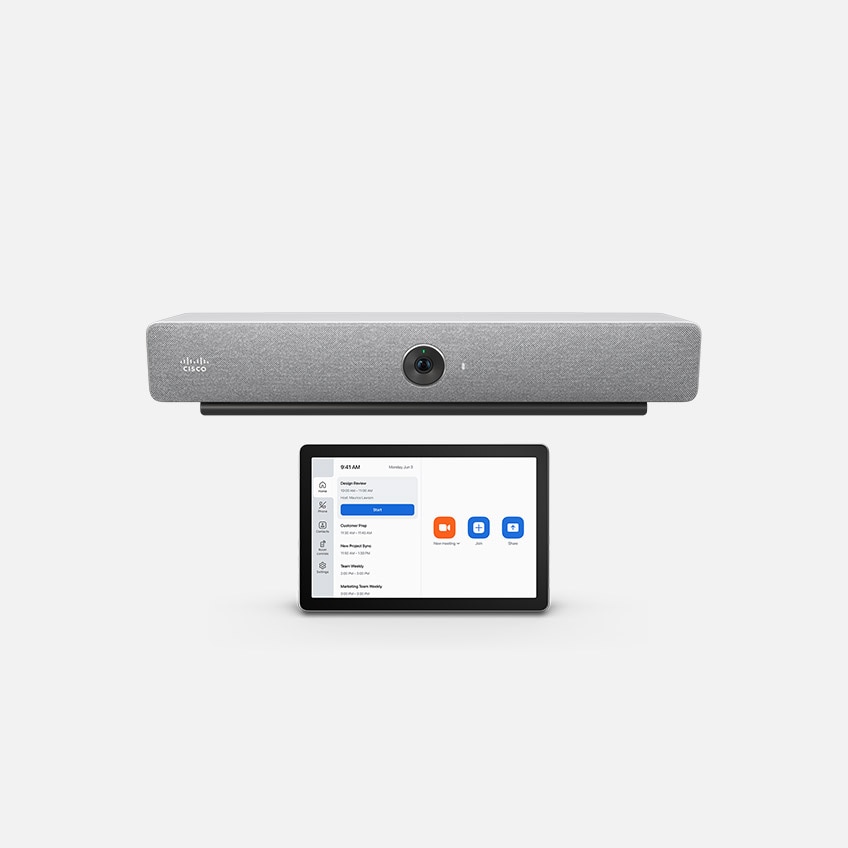
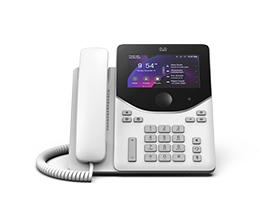
    Desk & Focus Rooms

    Boost your Zoom Rooms with high-quality video, crisp sound, and touch-enabled ideation at any desk, small, shared space, and focus room.

    Desk Pro G2
  • image
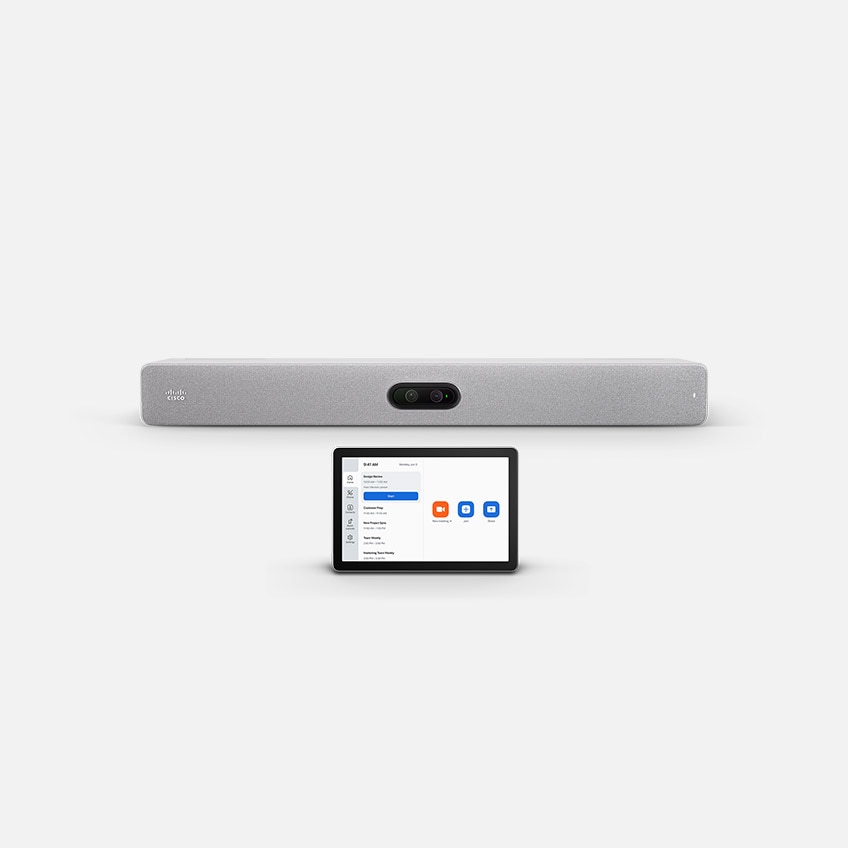
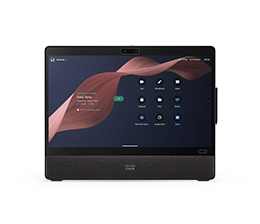
    Huddle & Ideation Rooms

    Make it easy for small groups to come together to share information, brainstorm, and solve problems while staying fully connected with remote participants.

    Desk Pro G2 Room Bar Board Pro G3
  • image
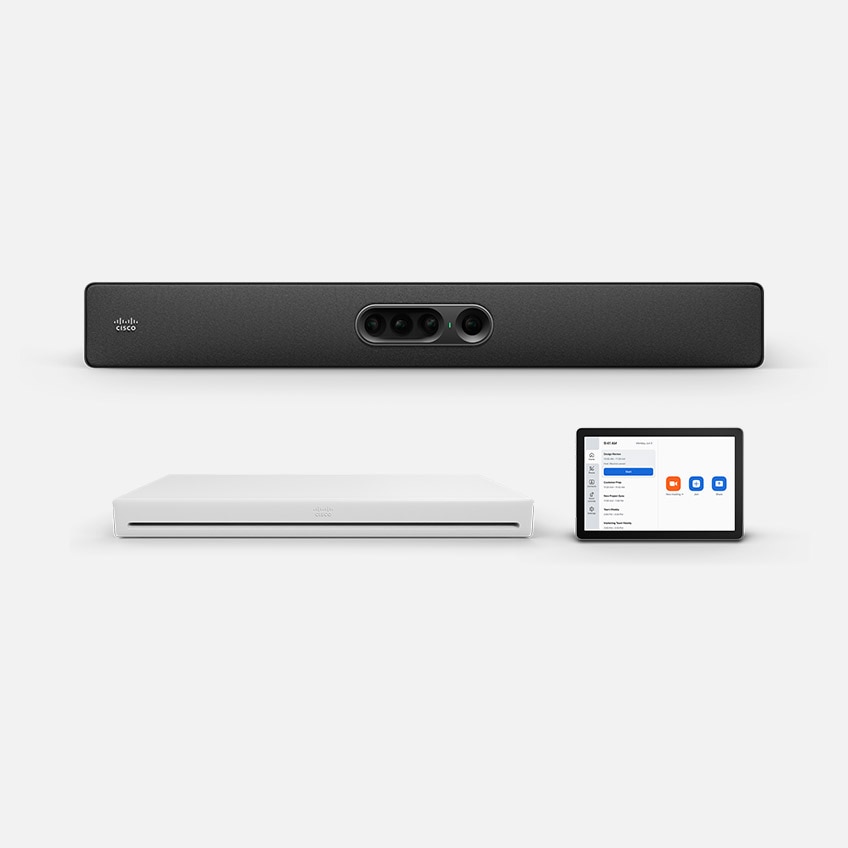
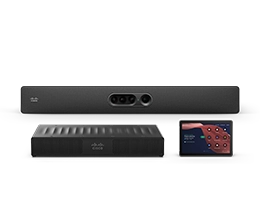
    Small & Medium Meeting Rooms

    Connect, share ideas, and drive work forward—ensuring that everyone has an equal seat at the table in your meetings.

    Room Bar Room Bar Pro Board Pro G3
  • image
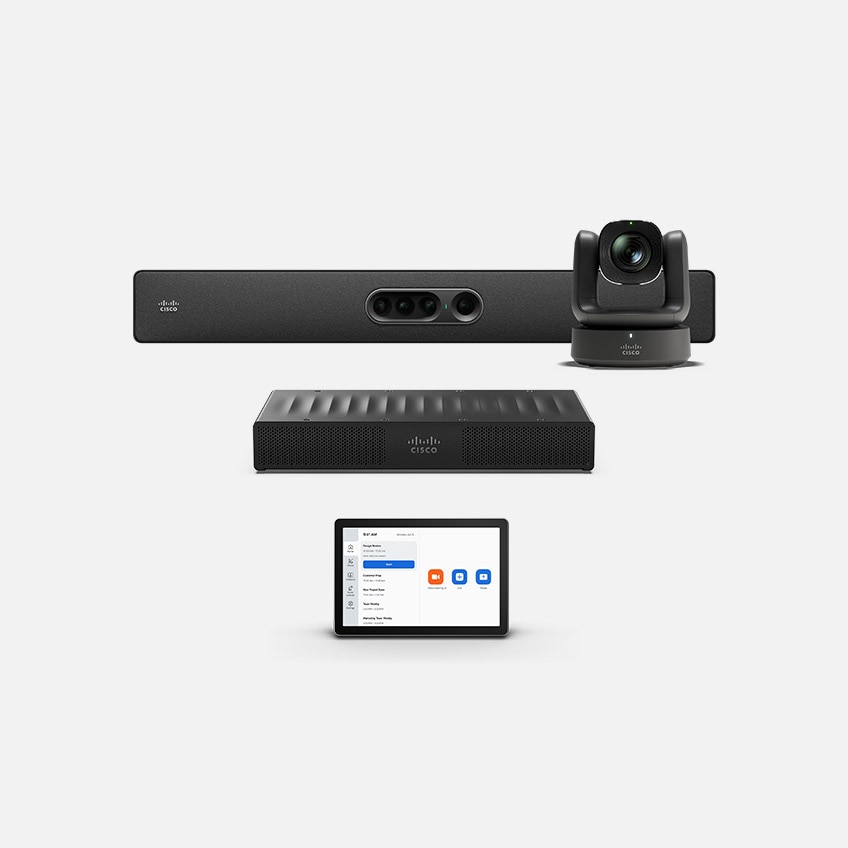
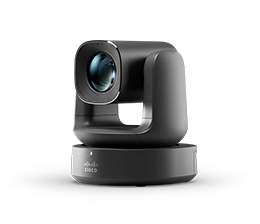
    Large & Advanced Rooms

    Easily turn your large rooms with advanced AV requirements into high impact Zoom Rooms without the maintenance headaches.

    Room Kit EQ Room Kit Pro G2 Room Kit EQX
  • Why Cisco devices for Zoom Rooms?

    Streamline workspace planning

    Explore our award-winning, interactive room and desk space configurator to visualize and validate your Zoom Rooms in 3D.

    AI-powered cinematic meetings

    Create inclusive audiovisual experiences for every participant using agentic Camera Director, adaptive speech capture, and AI noise removal.

    Simplify video collaboration

    Eliminate complexity and get the ultimate workplace experience.

    Join any meeting, anytime.

    Enjoy intuitive meeting experiences designed to make collaboration seamless on any platform.
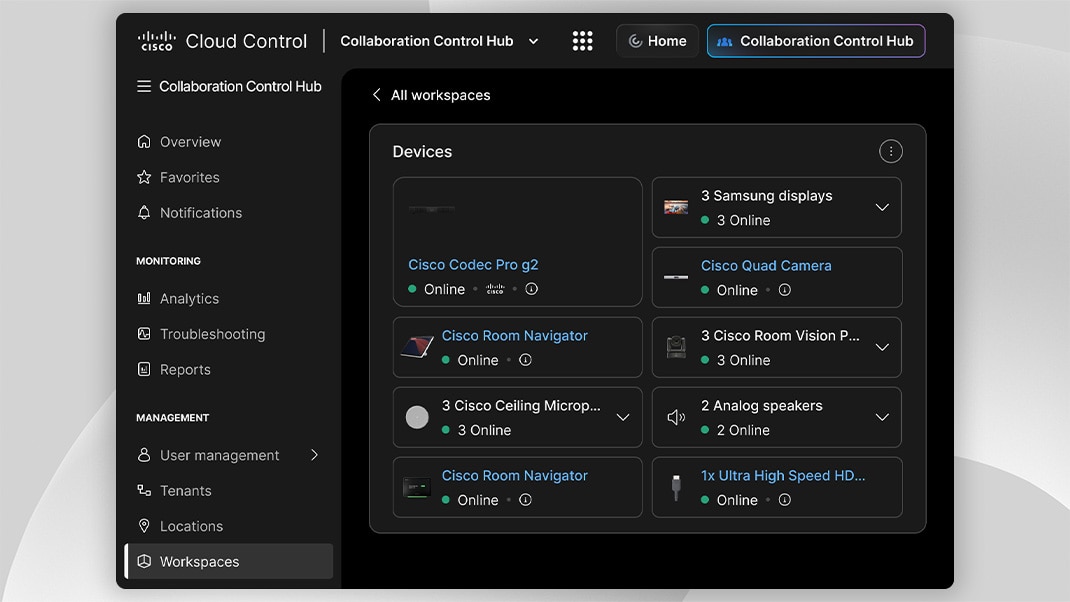
    Manage everything under a single lens

    Enterprise-grade, unified device admin, remote monitoring, and workspace insights, without the blind spots.

    Make the office a magnet, not a mandate

    Deliver frictionless experiences that make the office worth the commute.

    New Innovation
    Workspace Designer

    Your one-stop interactive room configurator and design guide is here.

    Quick resources

    Frequently asked questions.
    Are Cisco devices compatible with Zoom?

    Yes. Cisco video devices support Zoom Rooms and other integration options with the Zoom app.

    Do Cisco devices support native Zoom Rooms?

    Yes. On compatible Cisco video conferencing devices, you can run the native Zoom Rooms user experience and experience the familiar interface, layout options, and full-featured Zoom meetings in addition to the option for full-featured Webex Meetings, and the ability to meet on Microsoft Teams and Google Meet.


    In addition, you can enjoy the built-in audiovisual intelligence of the video device and leverage advanced manageability. Powered by Cisco RoomOS, you can leverage a secure platform to run Zoom Rooms while meeting your privacy, compliance, and security needs. Offering a full range of conferencing devices, you can use Cisco to video-enable any type of workspace, from small focus rooms and huddle spaces to large boardrooms and multi-purpose spaces. For unique agentic workflows, multi-platform interop, and smart room integrations, see Cisco RoomOS.

    Our team only uses Zoom occasionally. Are there other options to join Zoom on Cisco devices?

    Yes, if you use multiple other meeting platforms outside Zoom such as Webex, Google, and Microsoft Teams then the Cisco Rooms experience may be the best fit for you. You get the familiar RoomOS interface with the ability to join fully featured native Webex and Zoom meetings, plus SIP-based interoperability with Microsoft Teams and enhanced WebRTC guest join into Google Meetings. In this scenario, you can join and launch fully featured, native Zoom meetings. The integration launches the Zoom App directly on your video device with the familiar Zoom user interface, native meeting layouts, and controls, and offers a guest mode and a signed-in mode to experience Zoom Meetings for Cisco Rooms (learn more).


    In addition, if you primarily use Microsoft Teams for video conferencing, with occasional Zoom meetings, you could also consider deploying Cisco devices as Microsoft Teams Rooms (MTR). Cisco devices for MTR offer enhanced SIP interoperability with Zoom meetings (via Zoom Conference Room Connector) in addition to fully featured Teams and Webex meetings, plus direct guest join into Google Meetings.


    Alternatively, you can use Bring-Your-Own-Device (BYOD) video conferencing generally supported on the latest generation of Cisco video devices that allows you to join the Zoom software client from your laptop and leverage the audiovisual capabilities of the Cisco video device when connected via USB-C (available both on Cisco Rooms and Microsoft Teams Rooms).

    When is the expected general availability of the Zoom Rooms integration?

    The Zoom Rooms experience is expected to become generally available on select Cisco video devices starting from Q4 2026.

    What’s the difference between Cisco devices for Zoom Rooms and Zoom for Cisco Rooms?

    Cisco devices for Zoom Rooms allow you to configure the Cisco video endpoint for the native Zoom Room experience, bringing the full Zoom Room experience. Zoom for Cisco Rooms is a full-featured Zoom App experience within the standard Cisco Rooms user experience.


    With Cisco, the choice is always yours.

    How can I set up my devices as native Zoom Rooms?

    The Zoom Rooms solution is easy to configure. If you’ve already purchased a Cisco device that supports the native Zoom Rooms experience, all you need to do is factory reset the device and choose Zoom Rooms in the device onboarding wizard.

    Get started today.